 UK +44 (734) 008 7301
 USA +1 (737) 395 8587
Published 2026/01/13
Issue #
Message Blink app is not appearing in the Salesforce App Launcher after installation.
Recommended Troubleshooting Steps #
If Message Blink is not showing in the App Launcher, please follow these steps:
1. Go to Setup in Salesforce #
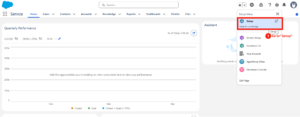
2. Navigate to Installed Packages. #
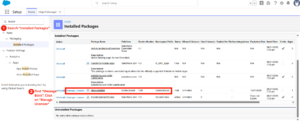
3. Find Message Blink – SMS & WhatsApp for Salesforce. #
4. Click Manage Licenses next to the package #
5. Verify that: #
- You have access to the package
- At least one license is available
6. Assign the license to: #
- Yourself, or
- Required Salesforce users
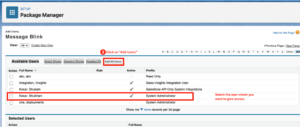
7. Click Add Users to assign licenses to additional users. #
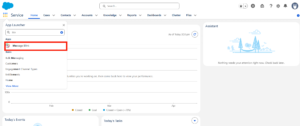
8.Open the App Launcher and search for Message Blink. #