


 ChatGPT
 Perplexity
 Claude
 Google AI
What Is Salesforce Messaging? A Complete Guide (and a Simpler Way to Do It)
If you’ve searched “Salesforce Messaging,” you’ve probably landed on Salesforce’s own documentation and come away with more questions than answers. Is it a feature? An add-on? Do you need Service Cloud? Does it support WhatsApp? SMS? Both?
This guide breaks down exactly what Salesforce Messaging is, how it works, where it shines, and where it falls short—especially if all you actually need is reliable SMS and WhatsApp messaging without standing up a full contact center stack.
What Is Salesforce Messaging?
Salesforce Messaging is a feature within Agentforce Service (formerly known as Service Cloud) that lets support teams communicate with customers over messaging apps—WhatsApp, SMS, Facebook Messenger, Apple Messages for Business, and LINE—directly from the Service Console, alongside phone and email channels.
It’s built for customer service teams handling inbound support conversations, not for marketing or outbound campaign messaging. Incoming messages get routed through Omni-Channel to a queue, a flow, a live agent, or an AI agent, and reps handle the conversation in a unified console view alongside the customer’s other Salesforce records.
In short: Salesforce Messaging is a contact-center messaging layer, not a standalone SMS/WhatsApp marketing tool.
How Salesforce’s Native Messaging Works
Salesforce Messaging channels are part of the broader Agentforce Contact Center suite, which also includes Voice, Web Forms, and Email. A few things define how it operates:
- Routing: Incoming messages are assigned via Omni-Channel—either simple queue-based routing or more advanced logic built in Flow Builder.
- Console experience: Messages appear in the Omni-Channel utility, just like a phone call would, and reps work from an enhanced conversation component showing message history and related records.
- AI and bots: Teams can layer in an AI agent (like Agentforce Service Agent) or a scripted bot to handle common questions before a human rep gets involved.
- Billing: As of February 2026, Salesforce offers two ways to access Messaging—the existing Digital Engagement add-on or the newer Agentforce Contact Center Digital add-on, which runs on a credits-based model through Digital Wallet.
That last point matters. Native Salesforce Messaging isn’t a flat-fee, plug-and-play feature — it’s an add-on with its own licensing and consumption model layered on top of your existing Salesforce org.
Salesforce Messaging Channels Explained
Salesforce supports several messaging channels under this umbrella, each with different setup requirements and capabilities:
- WhatsApp — two-way conversational messaging, widely used outside the US
- SMS — standard and enhanced tiers, with different feature sets
- Facebook Messenger — standard and enhanced tiers
- Apple Messages for Business — enhanced only
- LINE — enhanced only
- Bring Your Own Channel — for connecting a third-party messaging partner
Not every channel supports every capability (rich components, file sharing, proactive outbound messages), so it’s worth checking Salesforce’s channel comparison before committing to a setup.
Where Native Salesforce Messaging Falls Short
For enterprise contact centers already running Agentforce Service, native messaging makes sense. But for teams whose core need is SMS and WhatsApp—not a full omnichannel support desk—it tends to introduce friction:
- Requires Agentforce Service/Service Cloud as a foundation, which is a heavier and pricier platform commitment than many SMS/WhatsApp use cases justify
- Credits-based billing under the newer Agentforce Contact Center Digital model adds a layer of usage tracking most marketing and ops teams don’t want to manage
- Built around inbound support routing, not outbound campaigns, drip sequences, or marketing-style messaging workflows
- Setup and channel configuration (especially for Enhanced tiers) involves meaningful admin overhead
MessageBlink: Salesforce-Native SMS & WhatsApp, Without the Overhead
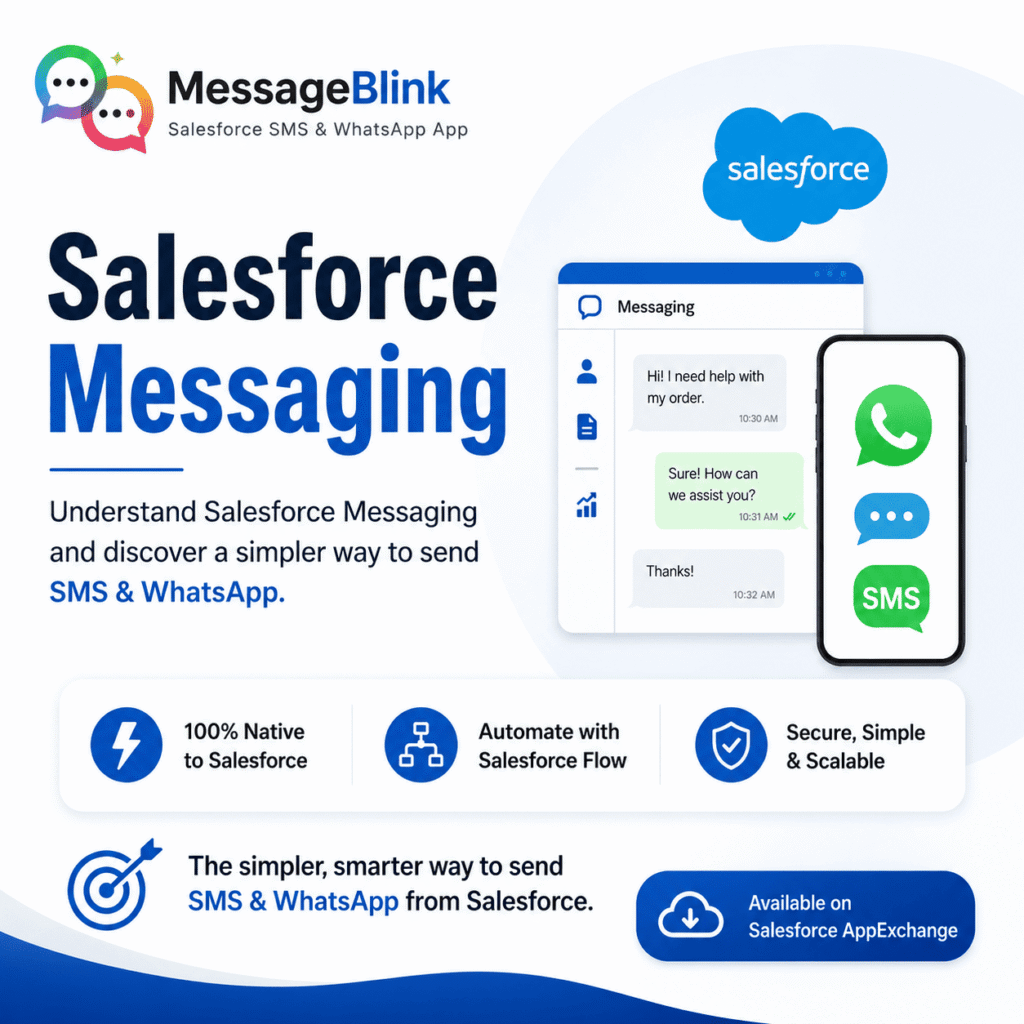
MessageBlink is a 100% Salesforce-native messaging app, built specifically for SMS and WhatsApp — nothing else, nothing extra. It runs entirely inside your existing Salesforce org through a managed package, with no third-party middleware and no dependency on Service Cloud or Agentforce Contact Center.
Instead of routing support tickets through a contact-center console, MessageBlink is built around how sales, marketing, and ops teams actually want to use SMS and WhatsApp:
- Send and receive messages directly from Leads, Contacts, and Opportunities
- Trigger messages through Salesforce Flow — no separate automation platform needed
- Set up in hours, not weeks, with no contact-center licensing prerequisite
- Available directly on the Salesforce AppExchange
Salesforce Messaging vs. MessageBlink: Quick Comparison
Platform requirement
Salesforce Messaging: Requires Agentforce Service / Service Cloud
MessageBlink: Works standalone as a managed package — no Service Cloud required
Channels supported
Salesforce Messaging: WhatsApp, SMS, Facebook Messenger, Apple Messages for Business, LINE
MessageBlink: SMS and WhatsApp
Primary use case
Salesforce Messaging: Inbound customer support, contact-center routing
MessageBlink: Sales, marketing, and operational messaging from core Salesforce objects
Billing model
Salesforce Messaging: Add-on licensing plus credits-based consumption (Digital Wallet)
MessageBlink: Straightforward AppExchange subscription
Automation
Salesforce Messaging: Omni-Channel routing, Flow Builder for complex logic
MessageBlink: Native Salesforce Flow triggers
Setup complexity
Salesforce Messaging: Higher — contact-center configuration, channel-by-channel setup
MessageBlink: Lower — install, connect, start sending
Which One Should You Choose?
If you’re running a large support organization already invested in Agentforce Service, with reps handling high-volume inbound conversations across five or six channels, native Salesforce Messaging is the right foundation—it’s built for exactly that.
If your team’s actual need is simpler—sending SMS and WhatsApp messages tied to Salesforce records, triggering them through Flow, and running them from Leads and Opportunities without adding a new licensing tier—MessageBlink gets you there faster and without the contact center overhead.