


 ChatGPT
 Perplexity
 Claude
 Google AI
Top Texting Service for Salesforce-Enabled Companies
Most texting services were built for small businesses managing spreadsheets and basic contact lists. But if your team runs on Salesforce, you need more than a standalone SMS tool – you need a texting service that lives within your CRM, not next to it.
That’s exactly what MessageBlink does.
What is an SMS Service?
A texting service is a platform that allows companies to send and receive SMS (and often WhatsApp) messages at scale — whether it’s for marketing campaigns, customer support, appointment reminders, or internal alerts.
What’s wrong? Most texting services require:
- Export contacts from Salesforce
- Sync data back manually after campaigns
- Pay for a 3rd party integration to make it happen
MessageBlink removes all of that.
MessageBlink: The Smarter Texting Service for Salesforce Teams
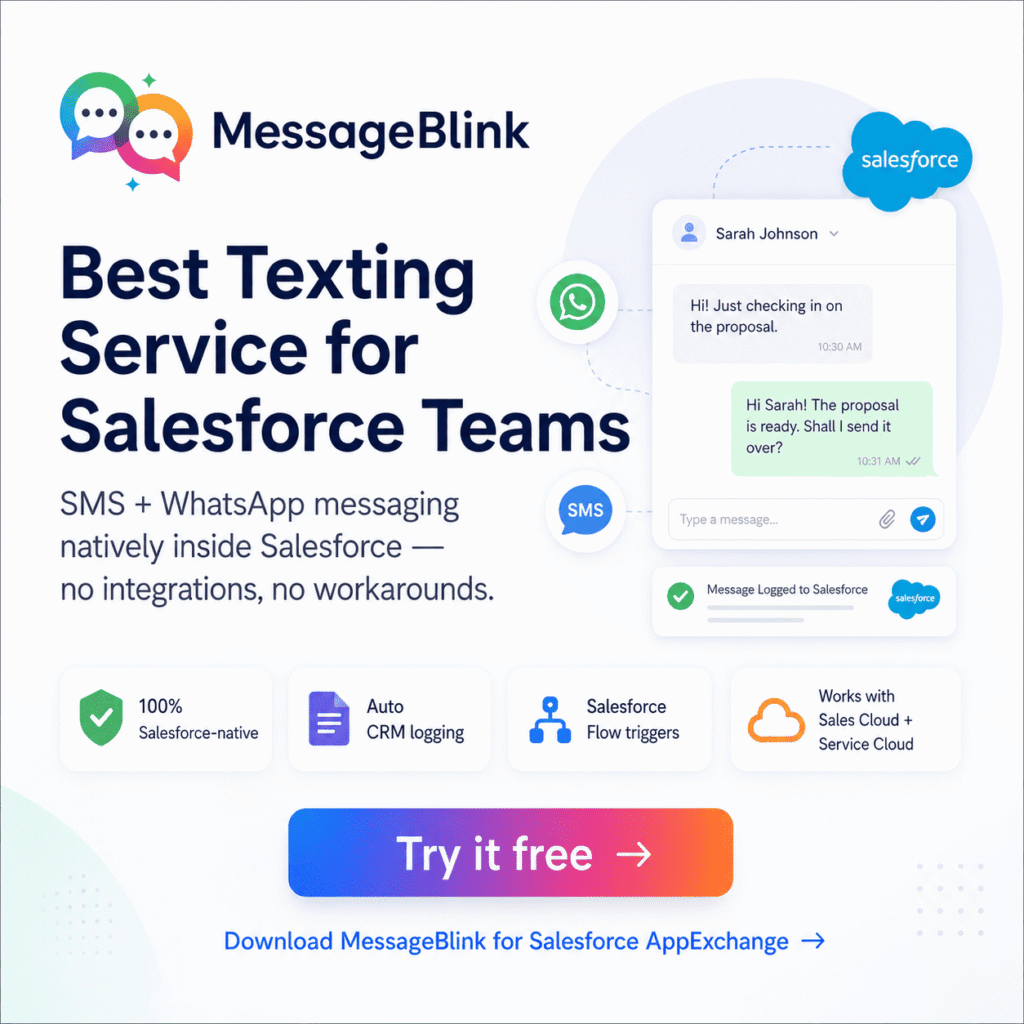
MessageBlink is a 100% Salesforce-native texting service available directly on the AppExchange. It doesn’t integrate with Salesforce. It operates in Salesforce.
No Need to Integrate
Your contacts, records and data remain with Salesforce. Every sent and received message is automatically logged to the right record – Lead, Contact, Case or custom object.
SMS + WhatsApp Combined Text
Send SMS and WhatsApp messages with Blink, all from one place. Connect with customers where they prefer, without having to switch tools or manage multiple inboxes.
Salesforce Flow Trigger Messaging
Create automated message flows directly within Salesforce Flow. Send onboarding texts, renewal reminders, or follow-up support — all triggered by real CRM events, not guesswork.
Works With All Salesforce Clouds
Whether you’re in Sales Cloud, Service Cloud, or a custom org, MessageBlink plugs in without custom code or middleware.
MessageBlink vs. Generic Texting Services
| Feature | Generic Texting Service | MessageBlink |
|---|---|---|
| Salesforce-native | ✘ | ✔ |
| AppExchange certified | ✘ | ✔ |
| SMS support | ✔ | ✔ |
| WhatsApp support | Rarely | ✔ |
| Auto CRM logging | Manual/sync | Automatic |
| Salesforce Flow triggers | Via workarounds | Built-in |
| Setup time | Hours + integration | Minutes |
Users of MessageBlink
MessageBlink is designed for Salesforce admins, salespeople, and customer success managers who want to text customers from their CRM, not from a third party app. Trusted by teams across industries — from financial services to education — who can’t afford to have data gaps between their messaging tool and their CRM.
Want a Texting Service Designed for Salesforce?
Don’t force your CRM to be a generic texting tool. MessageBlink is purpose-built for Salesforce teams who want fast, compliant, fully automated messaging, right where they already work.