

 ChatGPT
 Perplexity
 Claude
 Google AI
Text Automation: How It Works and Where to Start
Most teams don’t have a texting problem. They have a remembering problem. Someone is supposed to send the reminder, someone else is supposed to follow up on the new lead, and by Thursday half of it has slipped. Text automation fixes that by sending the right message when something happens, without anyone pressing send.
If your team copy-pastes the same reminder every week, or logs into a separate tool just to text a customer, this guide is for you. We’ll cover what text automation is, how it works, where it pays off, and what to watch out for. We’ll also cover how it works if your team lives in Salesforce.
What is text automation?
Text automation means SMS or WhatsApp messages go out automatically, based on a condition you set, instead of someone writing and sending each one by hand.
A few examples:
- A lead fills in a form, and a welcome text goes out within seconds.
- A deal moves to “Closed Won,” and the customer gets an onboarding message.
- A subscription is seven days from renewal, and a reminder is queued.
The point isn’t to sound like a robot. It’s to be consistent and quick, and to stop depending on whoever happens to remember.
How text automation works
Under the hood, it’s simple. You connect a messaging tool to your data (a CRM, a store, a form tool, even a spreadsheet) and set rules for who gets what, and when. Most setups use one of three approaches.
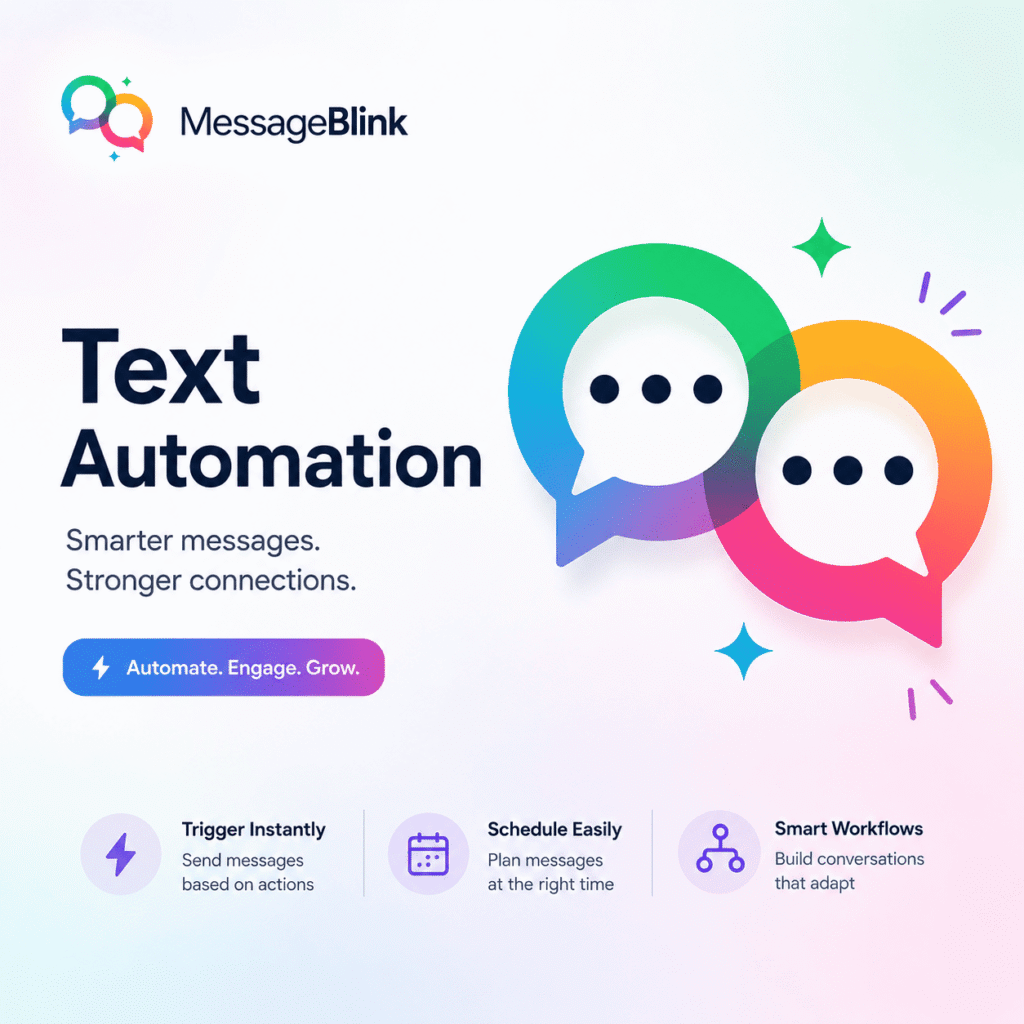
- Trigger-based. An event sets it off: a new lead, a purchase, a form submission, a record changing stage. The message fires right away.
- Workflow-based. These are multi-step sequences that branch on behavior. If the person replies, they go down one path. If they don’t, they get a nudge two days later. This is how automation starts to feel like a conversation instead of a broadcast.
Why it matters
SMS has a reputation for getting read quickly, often faster than email. But that only helps if the message goes out at the right moment. A reminder that arrives after the appointment is worse than none.
Automation also takes out the human slips: the forgotten follow-up, the wrong template, the message sent to the wrong list. It doesn’t make your messaging good, but it makes it reliable, which is half the battle.
Where text automation pays off
- Lead follow-up. Speed matters with new leads. The sooner you reach out after someone shows interest, the better your odds of a conversation. Automation makes “within minutes” realistic, even at 2 AM or on a weekend.
- Appointment reminders. No-shows cost real money. A reminder a day or two before, and another an hour before, is a standard pattern in healthcare, real estate, finance and services. Add a “Reply Y to confirm or R to reschedule” and you get answers instead of silence.
- Onboarding. A short series of texts after sign-up, covering what to do first, where to get help and what’s coming next, keeps new customers from drifting away in week one.
- Renewal and payment reminders. Billing dates, contract expiries and renewal windows are easy to automate and easy to forget. A timely text beats a follow-up call after the fact.
- Feedback and reviews. A quick “How did we do?” after a purchase or a service visit gets more responses when it arrives while the experience is fresh.
- Internal alerts. Texting isn’t only for customers. Ops teams use it to alert field staff, dispatchers or on-call people when a record changes or a threshold is crossed.
- Event reminders. A text at registration, one the day before and one an hour before is a common way to keep attendance up.
Manual texting vs. text automation
| Manual texting | Text automation | |
|---|---|---|
| Scale | Limited by team capacity | Handles large volumes |
| Timing | Waits for a person | Fires on the trigger |
| Consistency | Depends on who’s available | Same every time |
| Personalization | Slow per message | Merge fields at scale |
| CRM logging | Done by hand | Automatic with a native tool |
| Errors | Grow with volume | Set once, repeat reliably |
Manual still has its place. A sensitive conversation or a high-value account deserves a human. The trick is to automate the routine and keep people for the moments that need judgment.
Text automation inside Salesforce
If your team runs on Salesforce, there’s one more thing to think about: where the automation lives.
Most texting tools sit outside your CRM. You sync contacts across, build workflows in the other tool, then pull message history back by export, Zapier or an integration that covers only some of what you need. The usual result is lag, duplicate records and message history that doesn’t match what’s on the contact.
A Salesforce-native app works differently. It runs inside your org, so your leads, contacts, opportunities and custom objects are already there. The automation is built with the same Flow tools your admins use for everything else, and messages are logged on the record they belong to.
How MessageBlink handles text automation
MessageBlink is a Salesforce-native app for SMS and WhatsApp, listed on the AppExchange. In practice, it works like this:
- Flow-based automation. Send SMS or WhatsApp messages from your Salesforce Flows, so there’s no separate automation tool to learn.
- Any object. Trigger a message from a change on a standard or custom object, such as an Opportunity stage, a new Case or an onboarding status.
- Logging on the record. Sent and received messages, and their delivery status, show up on the Lead, Contact or Case, so reps and agents see the full story.
- Apex for developers. Teams that prefer code can call messaging actions from Apex.
How to set it up
You don’t need a long implementation project. The general path looks like this:
- Install the app from the AppExchange into your Salesforce org and finish the basic setup, including connecting your sending number.
- Pick one use case to start. A lead follow-up text or a 48-hour appointment reminder is a good first build.
- Build the trigger in Flow, using the same builder your team already knows.
- Choose or write the message, add merge fields for personalization, and set the send conditions.
- Activate it and watch the results in your reports and on the record’s activity history.
Start with one automation, check that it behaves, then add the next. Teams that launch five flows in week one tend to spend week two untangling them.
Best practices
- Send at sensible hours. A 2 AM payment reminder erodes trust. Respect time zones, and keep to quiet hours (CTIA guidance is no texts outside 8 AM to 9 PM local time, and some US states add their own limits).
- Go beyond “Hi [First Name].” Mention the product they bought, the appointment they booked or the stage they’ve reached. Because the data is already in Salesforce, this is easy.
- Keep it short, with one ask. One clear action per message: reply, click or confirm. Long texts get skimmed and cost more, since over 160 characters (70 with an emoji) a message splits into multiple billed segments.
- Handle consent and opt-outs properly. Get permission, keep a record, and honor STOP straight away. Depending on where you send, that means TCPA and 10DLC registration in the US, DLT registration in India and GDPR in Europe. This isn’t legal advice, so check the rules for your own markets.
- Measure and adjust. Watch delivery, reply, click and opt-out rates. A rising opt-out rate is your cue to cut frequency or tighten targeting.