


 ChatGPT
 Perplexity
 Claude
 Google AI
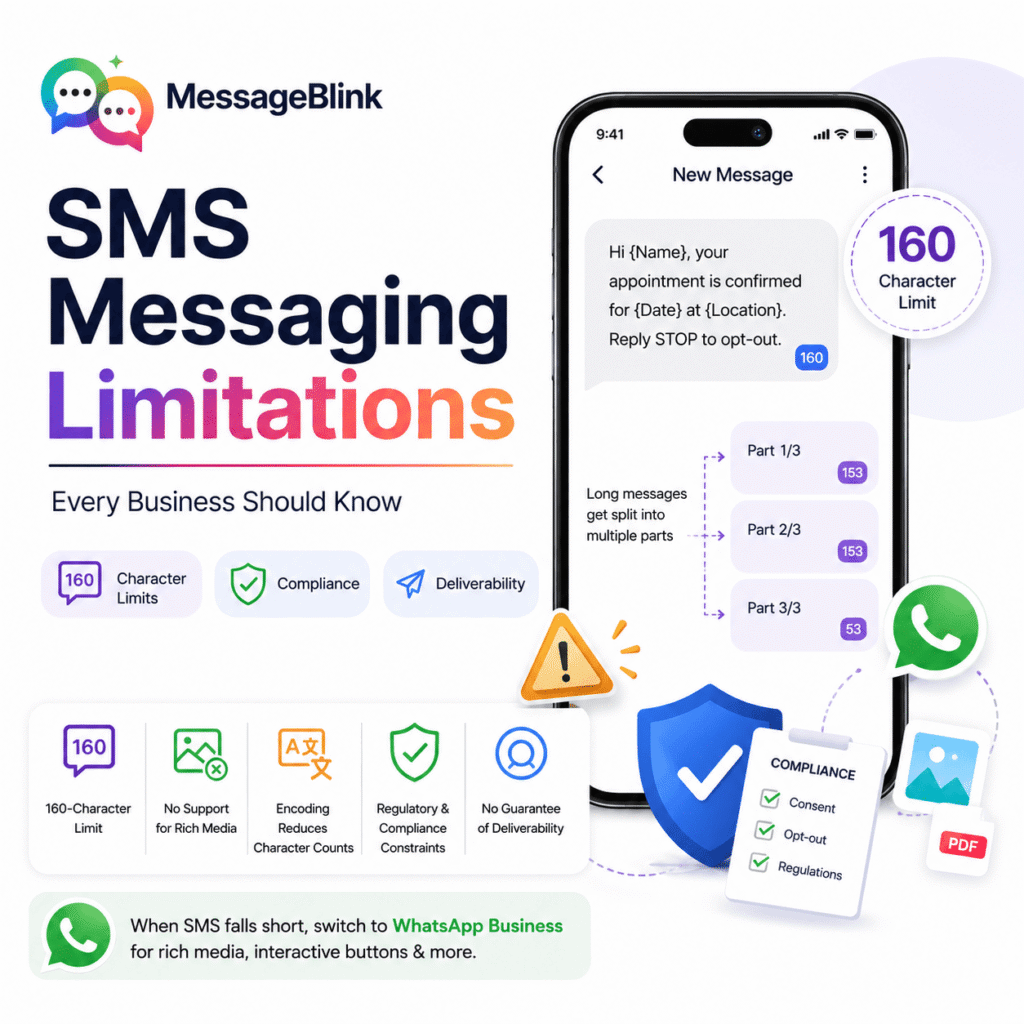
SMS Limitations Every Business Should Know
SMS is one of the most reliable channels for business communication—with high open rates, instant delivery, and no internet requirement. But it has real constraints that can quietly hurt your campaigns if you ignore them.
Sending appointment reminders, alerts, or marketing messages—knowing the SMS limitation helps you make smarter decisions and get better results.
1. The 160-Character Limit
SMS limitations are limited to 160 characters per message. If a message is longer than that, it is split up into segments of 153 characters, which are then reassembled on the receiver’s device.
This seems possible until you realize the following:
- URLs with 20–30 characters
- Personalization tokens (name, date, location)
- Legal opt-out wording (“Reply STOP to opt-out”)
There is an extra fee for each segment. A message that “looks” short in your editor can easily become a 2-part or 3-part send—doubling or tripling your cost.
2. No Support for Rich Media
SMS limitation to plain text only—no images, video, audio, or interactive buttons. SMS is beginning to feel limited for customer engagement as WhatsApp enables businesses to send branded PDFs, clickable CTAs, and product images.
This is a big constraint for industries like retail, real estate, and healthcare, where visual context is a conversion driver.
3. Encoding Reduces Character Counts Even More
SMS limitations are that it doesn’t treat all characters equally. Standard GSM-7 encoding supports 160 characters—but as soon as you add an emoji, a non-Latin character, or some special symbols, the message is converted to Unicode (UCS-2) encoding.
Each message is restricted to only 70 characters in Unicode, which is less than half the standard limit. If you’re a business sending out multilingual messages or using emojis to communicate brand personality, this is an unexpected cost that many teams aren’t ready for.
4. Regulatory and Compliance Constraints
SMS is not an all-free channel. Overlapping regulations might apply to you, depending on your industry and location:
- TCPA (U.S.) – requires express prior written consent to send marketing texts
- 10DLC registration – required for A2P business SMS in the US
- TRAI (India) – DLT registration and template pre-approval required
- GDPR (EU) – strict opt-in, opt-out and data handling rules
Rules are also getting tougher at the state level in the US, with Texas now banning unsolicited messages from 9pm to 9am and even more restrictions on Sundays.
Failed deliveries are not only a sign of non-compliance—they also mean penalties, carrier filtering, and damage to sender reputation.
5. No Guarantee of Deliverability
SMS, unlike email, has no universal standard for delivery acknowledgement. Messages can fail silently because:
- Carrier filtering (especially for non-registered senders)
- Inactive or invalid numbers
- Network congestion on high volume sends
- Blacklisted sender IDs in some countries
Without a platform that provides delivery tracking and error logging, businesses are essentially shipping blind.
6. No Built-In Two-Way Conversation Support
Standard SMS does not support threading, read receipts, or conversation history. This makes it difficult to maintain context between multiple exchanges in customer service use cases, especially when replies are routed to a shared inbox without any CRM integration.
How MessageBlink Can Help You To Bypass SMS Limitations
MessageBlink is a native messaging platform inside Salesforce, built for these exact constraints – without taking your team out of Salesforce.
This is how:
- Character-smart messaging — Build templates in Salesforce that are compliant with the limits, with merge fields automatically counted
- WhatsApp with SMS—When SMS is not rich media enabled, switch to WhatsApp Business messaging for images, documents, and interactive buttons—all from one platform
- Compliance-ready—Built-in opt-out management, consent tracking and DLT/10DLC support
- Delivery tracking — Real-time status logs right inside your Salesforce records
- Salesforce Flow integration — Automate message triggers based on CRM events so your team doesn’t have to manually manage sends
MessageBlink doesn’t try to make SMS anything other than what it is. It offers you the right channel for the right moment and the tools to be smart about using both SMS and WhatsApp.