
 UK +44 (734) 008 7301
 USA +1 (737) 395 8587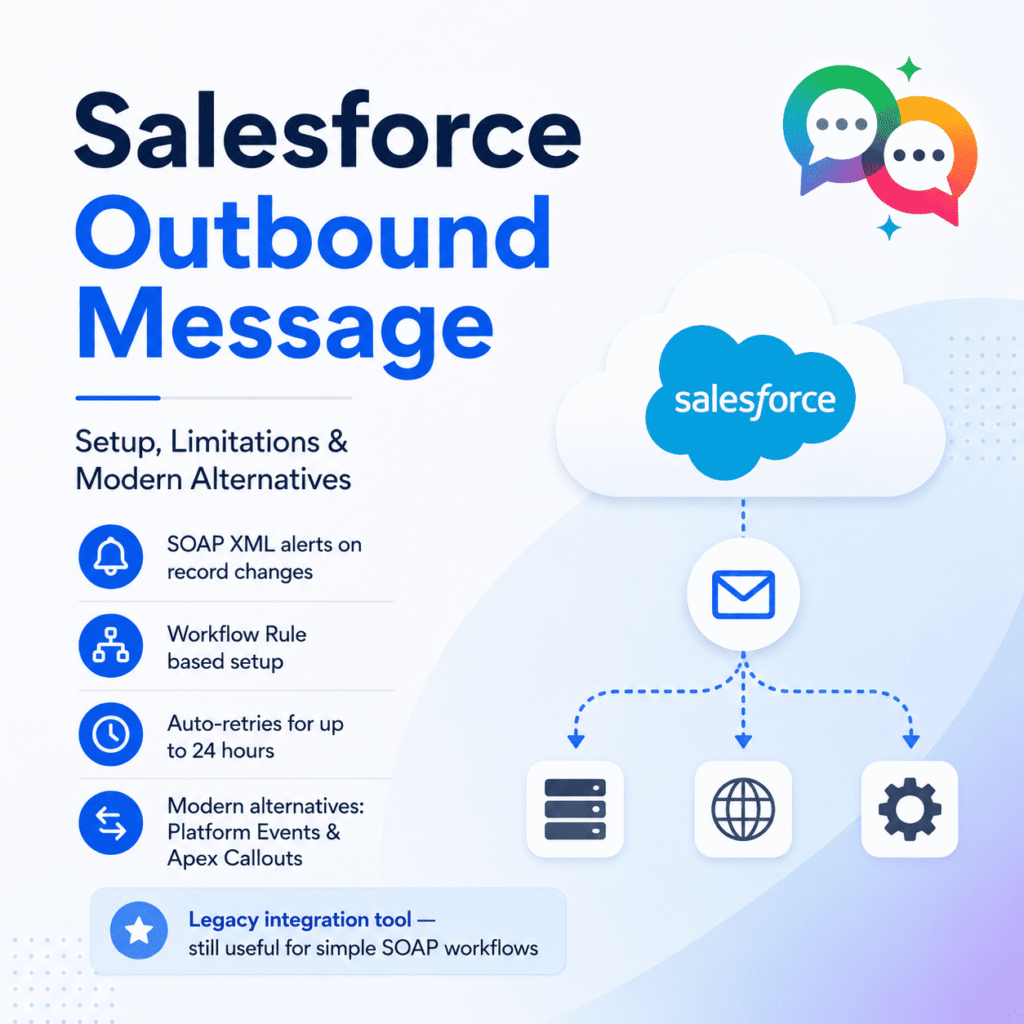
 ChatGPT
 Perplexity
 Claude
 Google AI
Salesforce Outbound Message: A Complete Guide to Setup, Limitations, and Modern Alternatives
If you’ve ever needed Salesforce to notify an external system the moment a record changes, you’ve probably run into outbound messaging. It’s one of the oldest integration tools on the platform, still active in plenty of orgs, and still misunderstood by admins who weren’t around when it was the only declarative option available.
This guide covers what an outbound message actually does, how to set one up, where it quietly breaks down, and what most architects reach for instead in 2026.
What is a Salesforce Outbound Message?
An outbound message is a workflow rule action that sends a SOAP XML notification to an external endpoint whenever a record meets specified criteria. It’s part of the classic workflow rule engine, so it fires on field changes, record creation, or other declarative triggers, packaging selected field values into a SOAP envelope and pushing it out.
A single notification can bundle up to 100 records’ worth of data. If the receiving endpoint doesn’t return a success acknowledgment, Salesforce retries the message repeatedly for up to 24 hours, spacing out attempts further apart as failures continue, before dropping it from the queue permanently.
That retry behavior is the most commonly misunderstood part of the feature. Many endpoints, including quick testing tools, receive the payload successfully but don’t return the specific XML acknowledgment Salesforce is listening for. Salesforce then logs the message as failed and keeps resending it, even though the external system already has the data.
How to Set Up an Outbound Message
- Go to Setup → Workflow Rules and create a new rule on the object you want to monitor (Account, Lead, Opportunity, etc.).
- Define rule criteria, such as a field not being blank or changing to a specific value.
- Add a workflow action and choose New Outbound Message.
- Select the fields to include in the payload, specify the endpoint URL, and decide whether to include the Salesforce session ID.
- Activate the workflow rule.
Once active, any record meeting the criteria triggers a SOAP message to the configured endpoint. You can monitor delivery status under Setup → Outbound Messages, where failed and pending notifications are listed along with their retry history.
Outbound Message vs. Platform Events vs. Apex Callouts
Outbound messaging isn’t the only way to push data out of Salesforce, and for most new integrations built today, it’s no longer the first choice. Here’s how the three main options compare.
| Capability | Outbound Message | Platform Events | Apex Callout |
|---|---|---|---|
| Protocol | SOAP XML only | Pub/Sub event bus | REST, SOAP, or custom HTTP |
| Code required | ✗ None (declarative) | ✗ Can be declarative (Flow) | ✔ Apex required |
| Retry handling | ✔ Automatic, up to 24 hrs | ✗ No built-in retry after 72 hrs | ✗ Manual retry logic needed |
| Multiple subscribers | ✗ Single endpoint only | ✔ Pub/sub, many subscribers | ✗ Single endpoint per call |
| Real-time/synchronous | ✗ Asynchronous only | ✗ Asynchronous (fire-and-forget) | ✔ Synchronous option available |
| Governor limits | ✔ None for outbound messaging | ✔ Daily event allocation applies | ✗ Callout limits per transaction |
| Audit trail | ✗ Not supported | ✔ Replay ID, 72-hr window | ✔ Depends on implementation |
| Best for | Legacy SOAP integrations, simple “fire and forget” syncs | Decoupled, multi-system event architecture | Real-time request/response needs |
The architectural shift here is well documented: outbound messaging was the preferred low-code option for years, offering automatic retries and declarative configuration, but it requires the external system to implement a SOAP-based web service, which feels dated by current integration standards. Platform Events, by contrast, run on a Kafka-style event bus and have matured into the default choice for event-driven architecture.
There’s also a durability gap worth knowing about. Platform events use a publish/subscribe model where a single event can reach multiple consumers, and durable subscribers can replay missed events after downtime, something outbound messages were never built to do.
Where Outbound Messages Fall Short
A few limitations rarely show up in basic tutorials but matter a lot in production:
No audit trail. Once a message is sent or dropped, there’s no built-in historical record beyond the monitoring screen at that moment. Outbound messages aren’t ordered by sequence either, since retries happen independently of queue position, which can result in messages arriving out of order at the destination.
Data can shift mid-flight. If a record changes again before a queued message is delivered, the endpoint only ever receives the latest version of the data, not the intermediate state that originally triggered the notification.
SOAP-only. Every receiving system has to stand up a SOAP listener and return a specific XML acknowledgment format. For teams building modern REST-first integrations, that’s often more overhead than it’s worth.
24-hour hard cutoff. After a day of failed retries, the message is gone. There’s no manual resend from the queue.
When an Outbound Message Still Makes Sense
Despite the limitations, outbound messaging isn’t obsolete. It’s genuinely useful when you need a no-code way to notify a legacy system that already speaks SOAP, when governor limits on callouts are a concern, or when the built-in retry logic saves you from writing custom retry handling yourself.
When You Need to Notify a Person, Not a System
Outbound messages, Platform Events, and Apex callouts all solve the same kind of problem: getting structured data from Salesforce to another system. But a lot of “notify someone when a record changes” use cases aren’t really system-to-system at all. They’re system-to-human. A sales rep needs a text when a lead converts. A donor needs a WhatsApp confirmation when their gift is processed. A patient needs an SMS reminder when an appointment record updates.
Building that on outbound messaging means standing up a SOAP listener just to relay a message to a texting API, which is a lot of infrastructure for what should be a one-step automation. This is where a Salesforce-native SMS and WhatsApp platform like MessageBlink fits in: it triggers directly from the same flow or workflow logic admins already use, with no external endpoint, no SOAP envelope, and no custom retry handling to maintain.