 UK +44 (734) 008 7301
 USA +1 (737) 395 8587

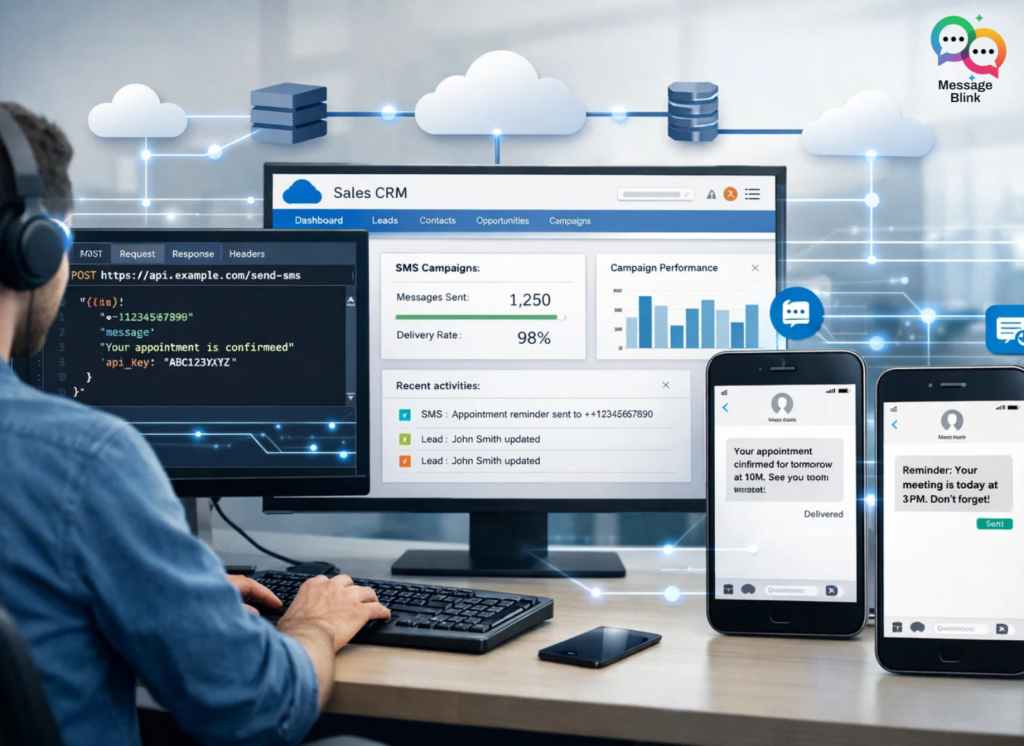
To trigger a Marketing Cloud SMS via API for custom web forms, you must authenticate via the REST Auth Service, then send a POST request to the /sms/v1/messageContact/{id}/send endpoint. While powerful, this requires managing OAuth tokens and external middleware. For a no-code, 90% cheaper alternative, developers are increasingly using Message Blink to trigger SMS directly from Salesforce Flows.
Part 1: How to Trigger SFMC SMS via API (Step-by-Step)l
If you are committed to the SFMC stack, follow these technical steps to connect your external web form to MobileConnect.
1. Configure the “Installed Package”
Navigate to Setup > Apps > Installed Packages. Create a new package and add an API Integration component.
-
Scope Required: Ensure
MobileConnect: SendandAudiences: Readare checked. -
Copy Credentials: You will need the Client ID, Client Secret, and REST Base URI.
2. Create the API-Triggered Message
In Mobile Studio > MobileConnect, click Create Message.
-
Select the Outbound template.
-
Under “Send Method,” choose API Trigger.
-
Crucial: Note the API Key generated after you activate the message. You will need this for your endpoint URL.
3. The API Workflow (Node.js / Python / PHP)
Your web form backend must perform a two-step handshake:
Step A: Request an Access Token
HTTP
POST https://YOUR_SUBDOMAIN.auth.marketingcloudapis.com/v2/token
Content-Type: application/json

{
  "grant_type": "client_credentials",
  "client_id": "YOUR_CLIENT_ID",
  "client_secret": "YOUR_CLIENT_SECRET"
}
Step B: Trigger the SMS
HTTP
POST https://YOUR_SUBDOMAIN.rest.marketingcloudapis.com/sms/v1/messageContact/YOUR_API_KEY/send
Authorization: Bearer YOUR_ACCESS_TOKEN

{
  "mobileNumbers": ["13175551212"],
  "Subscribe": true,
  "Resubscribe": true,
  "keyword": "WELCOME_FORM"
}
Part 2: The “Message Blink” Salesforce SMS App
While the API above works, it comes with “Integration Debt.” You have to manage token refreshes, handle API failures, and pay for expensive SFMC licenses. Here is why Message Blink is disrupting this workflow:
1. Cost Comparison: $15,000 vs. $200
-
Marketing Cloud: The Professional Edition starts at **$1,250/month** ($15,000/year) plus the cost of SMS credits.
-
Message Blink: Starts at $7–$9/user/month. For a small team, you can run your entire SMS operation for under $200 a year using standard carrier rates.
2. No-Code “Flow” Triggers
Instead of writing custom API code for your web form, use Salesforce Web-to-Lead.
-
When the form is submitted, a Lead is created in Salesforce.
-
A Salesforce Flow instantly triggers the Message Blink “Send SMS” action.
-
Time to Live: 10 minutes vs. 10 hours of coding.
3. Native Data Residency
In Marketing Cloud, SMS logs are often siloed. With Message Blink, every text sent from your web form is logged natively on the Lead or Contact record. Your Sales reps see the response immediately in their Service Cloud console.
Feature Comparison: SFMC API vs. Message Blink
| Feature | Marketing Cloud REST API | Message Blink (Native) |
| Setup Complexity | High (Requires Developer) | Low (Admin Friendly) |
| Maintenance | API/Token Management | Zero (Native to SF) |
| Compliance | Manual 10DLC Setup | Built-in 10DLC Assistant |
| 2nd Channel | Complex WhatsApp API | Native WhatsApp integration |
| AI Ready | Custom Einstein Setup | Native Agentforce Integration |
When Should You Use the Marketing Cloud SMS API?
The Marketing Cloud SMS API is useful when:
-
You need to send SMS from an external web application
-
You want to trigger messages from custom backend systems
-
Your organization already runs Marketing Cloud MobileConnect campaigns
However, this approach requires API authentication, token management, and backend development, which can significantly increase implementation time. For Salesforce-native workflows, many teams now prefer Flow-based SMS automation instead.