


 ChatGPT
 Perplexity
 Claude
 Google AI
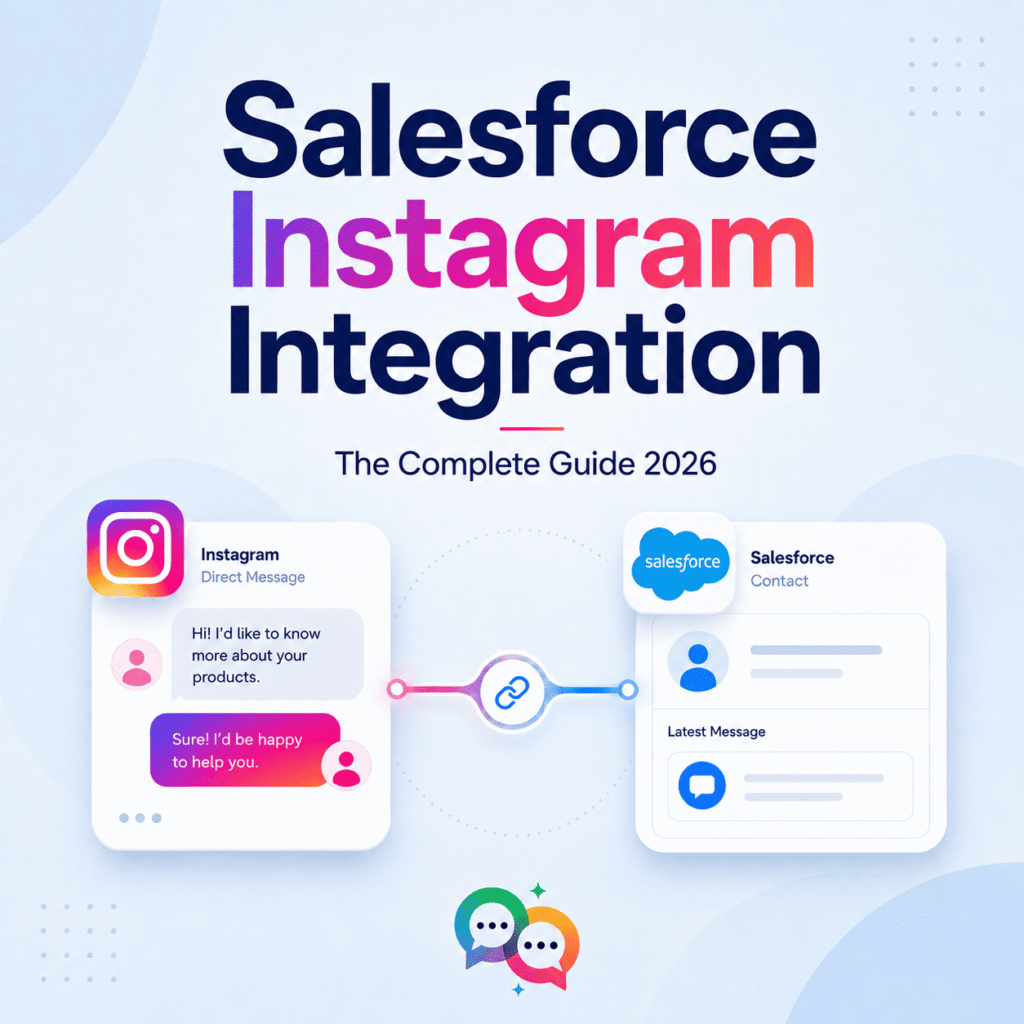
Salesforce Instagram Integration: The Complete Guide 2026
If your sales and support teams are still checking Instagram DMs on a phone while your CRM is open on another screen, you’re losing leads between tabs. Instagram is now a real sales and service channel—comments, DMs, and story replies often become pipeline, but only if that activity actually goes into Salesforce.
This guide breaks down the nitty-gritty of how Salesforce Instagram integration really works in 2026, what it can and can’t do out of the box, the tools available, and how it stacks up against SMS and WhatsApp as a Salesforce messaging channel.
What is “Salesforce Instagram Integration” Actually?
Salesforce doesn’t connect to Instagram out of the box the way it does with email or phone. Instagram can be accessed through Meta’s Graph API, and Salesforce reaches this API in one of a few ways:
- Salesforce Digital Engagement + Bring Your Own Channel (BYOC): Salesforce’s social/messaging platform, augmented by certified partners to connect Instagram to the same omni-channel routing used for chat and SMS.
- AppExchange partner apps: Purpose-built connectors (Messaging Studio by 1440, Sprout Social’s Salesforce integration, SleekFlow, and others) that handle the Meta API connection, message sync, and agent console for you.
- Data Cloud / Marketing Intelligence connectors: For teams that want Instagram analytics—reach, impressions, engagement, and follower growth—inside Salesforce rather than two-way messaging.
Good to know: there’s an open idea in Salesforce’s own community requesting a native Instagram channel for digital engagement. Today, almost all real-world Instagram-to-Salesforce connections are done via a certified partner, not a first-party Salesforce feature.
How the Integration Works in Reality
Whichever partner you choose, the mechanics are pretty much the same:
- Connect your Instagram business account to the integration tool via the Meta Graph API (this requires a business or creator account connected to a Facebook Page).
- Depending on how you set up routing, messages and comments come into Salesforce as cases, leads, or messaging sessions.
- With Omni-Channel, conversations are routed to agents or queues just like chat and other digital channels.
- Agent replies sync back to Instagram from within the Salesforce console in near real time—no separate app is required.
- The activity is logged against the contact or lead record so a rep can see Instagram history alongside email, calls, and other touchpoints.
Some connectors go a step further, offering no-code chatbots and keyword automation — auto-responding to a comment that includes “PRICE” with a DM, for example, or directing anyone who types a particular keyword into a pre-built flow.
Popular Ways to Connect Instagram with Salesforce
| Approach | How It Operates | Best For |
|---|---|---|
| Digital Engagement + BYOC Partner (e.g., Messaging Studio, Sprout Social) | Instagram routed through Salesforce’s native Omni-Channel framework via a certified partner | Teams already utilizing Digital Engagement for chat/other channels |
| Dedicated AppExchange Connector (e.g., SleekFlow, 360 SMS) | A standalone app manages the Meta API connection, inbox, and automation | Teams seeking Instagram-specific chatbot/automation features |
| Marketing Intelligence / Data Cloud | Integrates Instagram performance metrics into Salesforce, but no two-way messaging | Marketing/analytics teams tracking social ROI, not service teams |
Why Businesses Are Connecting Instagram to Salesforce
Capture leads at the point of interest. With integration, you can automatically pull lead information from Instagram interactions directly into Salesforce and track how customers engage with your brand as part of their overall journey. A DM inquiring about pricing turns into a lead with context attached—not a message lost in a shared inbox.
Faster, more consistent service. Teams can respond to comments and direct messages directly in Salesforce, improving response speed, consistency, and personalization—especially helpful when Instagram volume spikes around a campaign or product drop.
A real business case, not just a nicety. According to Sprout Social, a large share of consumers say they would switch brands if social responses take too long, with personalized service topping customer expectations. Feeding Instagram into the same system your team is already working from is an easy way to bridge that gap.
One customer record, multiple channels. Instagram is a highly visual platform, and businesses use it to showcase products through images, videos, reels, and stories. Linking it to Salesforce means teams can track that entire history in one inbox, with real-time insight into consumer habits.
Smarter targeting downstream. That data lives close to the rest of the customer record instead of staying siloed in Meta’s own analytics, so you can understand the demographics, interests, and behavior of an Instagram audience inside Salesforce — and build more targeted campaigns and content that actually resonates.
Typical Use Cases
- E-commerce and DTC brands—automatically turning “Is this in stock?” comments and DMs into leads or opportunities.
- Real estate and high-ticket sales — capturing leads from listing posts or reels and routing them to the right agent.
- Customer service teams — treating Instagram DMs like any other support channel, with SLAs, queues, and case history.
- Marketing analytics teams — pulling reach, impressions, and engagement data into Salesforce to tie social performance to pipeline, without needing two-way messaging at all.
Salesforce Instagram Integration vs. SMS vs. WhatsApp: Comparing the Channels
Instagram doesn’t operate in a vacuum — most Salesforce teams use it alongside SMS and WhatsApp, with each channel playing a different role in the customer journey. Here’s how they really compare once integrated with Salesforce:
| Factor | SMS | ||
|---|---|---|---|
| Native to Salesforce? | ✗ — requires BYOC or AppExchange partner | Varies by vendor — some native, some middleware-based | Varies by vendor — some native, some middleware-based |
| Typical response expected | Hours | Minutes | Minutes to hours |
| Best for | Visual selling, brand discovery, top-of-funnel engagement | Time-sensitive alerts, reminders, 2FA, direct outreach | Rich media, international customers, ongoing conversations |
| Supported message types | Text, image, story replies, comment automation | Text, MMS (carrier dependent) | Text, image, video, documents, template messages |
| Opt-in / compliance model | Subject to Meta’s platform policies | Governed by TCPA and carrier/10DLC regulations (US) | Subject to Meta’s WhatsApp Business Policy and opt-in terms |
| Reach users outside your app | Requires Instagram app/account | No app required, works on any mobile number | Needs WhatsApp installed |
| Common use in a funnel | Top of funnel — discovery, engagement, first touch | Mid-to-bottom of funnel—confirmations, reminders, urgent updates | Mid funnel—ongoing conversations, support, international sales |
So the practical takeaway is that Instagram is great for discovery and visual engagement, but it’s not built for anything urgent or transactional—it’s a passive app, and you have to be actively looking at it for something to happen. SMS wins on reach and speed: it’s on every phone, no app needed, and has the highest open rates of any channel. WhatsApp sits in the middle — strong for rich, ongoing conversations, especially internationally, but still app-dependent.
Most mature Salesforce messaging strategies don’t choose between Instagram, SMS, and WhatsApp—they use Instagram to capture interest, then move the conversation to SMS or WhatsApp once it becomes time-sensitive or transactional (an appointment, an order update, a direct follow-up).
What to Look for in an Instagram Integration Tool
- Is it digital engagement/omni-channel, or does it run as a standalone app? This affects how well Instagram activity blends into your existing routing and reporting.
- What kind of automation is available? Vendors vary widely on keyword triggers, chatbots, and auto-replies.
- How does it handle Meta API rate limits and policy changes? Since Instagram integration always depends on a third party’s connection to Meta, ask how the vendor handles downtime and API changes.
- Does it support comment-to-DM automation, not just direct messages? This is often where the largest volume of leads comes from.
- How is Instagram activity tracked on the record—as a case, a lead, or a custom object? This affects how usable the data is for reporting later.