 UK +44 (734) 008 7301
 USA +1 (737) 395 8587

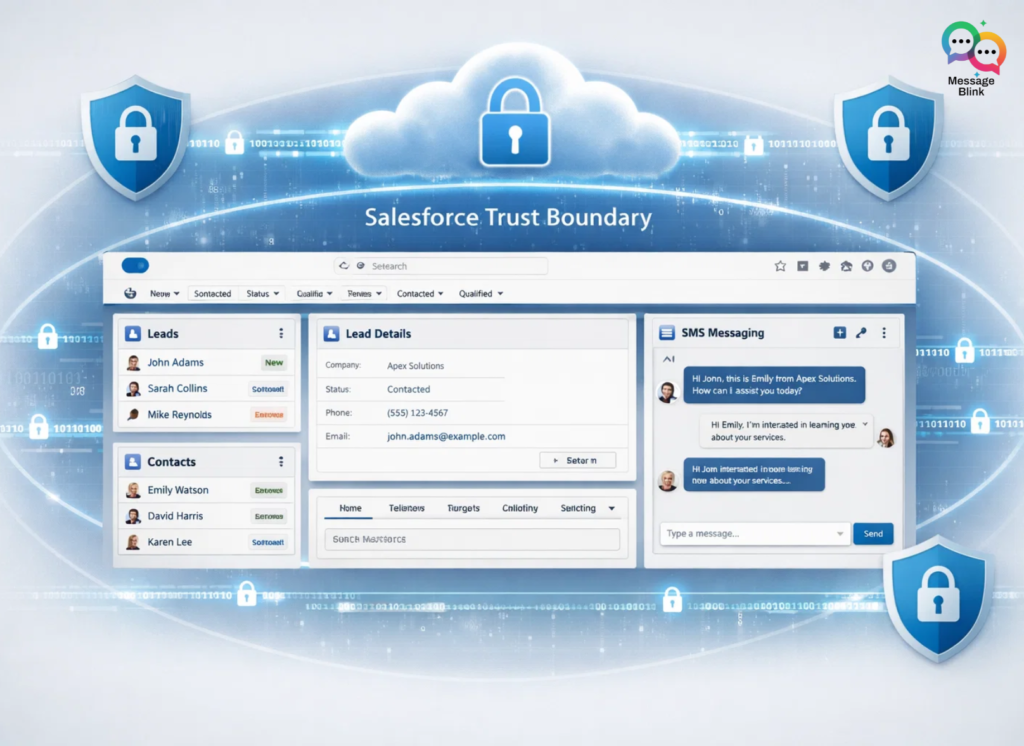
A native Salesforce SMS app like Message Blink is more secure than a third-party API because it operates entirely within the Salesforce Trust Boundary. Data never leaves your CRM, meaning your Leads and Contacts are protected by Salesforce’s own security infrastructure, inheriting your existing Shield encryption, MFA, and permission sets without needing external middleware.
Why is a Native Salesforce SMS App More Secure Than a Third-Party API?
For Salesforce Admins and Architects, the choice between “Native” and “Integrated” isn’t just about features it’s about Data Residency. When you use a standard Salesforce SMS integration, you often risk “data security,” where sensitive customer information is stored on external third-party servers.
1. 100% Native to Salesforce
With Message Blink, your data stays in your org. There are no external databases to hack, and no Twilio sync errors to manage. This is why many teams are moving away from traditional Twilio integrations in favor of 100% native solutions.
2. Inherited Security Policies
Native apps automatically respect your Field Level Security (FLS) and Sharing Rules. If an agent shouldn’t see a phone number, the SMS app won’t show it. This “Zero-Trust” approach is a core part of the Architect’s Guide to Outbound SMS.
Key Features Salesforce Admins Love in Message Blink
Choosing the best Salesforce texting app requires a balance of security and ease of use. Message Blink delivers both through:
-
No-Code Automation: Admins can automate text messages in Salesforce using Flow Builder without writing a single line of Apex.
-
Compliance by Design: Manage TCPA and 10DLC compliance natively. Message Blink handles opt-outs instantly, helping you fix SMS delivery failures like Error 30034.
-
Agentforce Readiness: As we move into the era of Agentforce 3.0, Message Blink provides the essential SMS infrastructure for autonomous AI agents.
The 2026 Comparison: Native vs. Third-Party API
| Feature | Message Blink (Native) | Third-Party API (Non-Native) |
| Security | Salesforce Trust Boundary | External Cloud Risk |
| Setup Time | 4 Minutes Flat | Hours of API Mapping |
| Automation | Salesforce Flows | External Webhooks |
| Compliance | Real-Time Opt-Out | Delayed Syncing |
Boosting Engagement Across the Customer 360
Whether you are in Sales, Service, or Marketing, native messaging is the “secret weapon” to doubling your response rates.
For Sales Teams
Stop losing leads to slow follow-ups. Admins can set up Salesforce texting that doubles lead response rates by triggering an immediate SMS the second a lead hits the CRM.
For Service & Support
Using Message Blink in Service Cloud allows agents to handle 2-way SMS messaging alongside their cases, creating a unified Customer 360 experience.
For Marketing Ops
High-impact campaigns are no longer limited to email. Learn how Marketing Ops can use Salesforce SMS for bulk messaging and WhatsApp group campaigns.
Ready to Secure Your Salesforce Messaging?
Moving to a native app is the most effective way to send SMS from Salesforce without Marketing Cloud while maintaining enterprise-grade security.
Don’t wait for the next 10DLC compliance deadline to fix your messaging strategy.