


 ChatGPT
 Perplexity
 Claude
 Google AI
How Salesforce WhatsApp Integration Works and How to Set Up
With more than two billion active users, WhatsApp is also where a lot of your customers are. They text friends there, they text businesses there and they’ll be happy to text you back. The question for a Salesforce team is whether those conversations are captured in Salesforce or released out on someone’s phone.
Today, for most companies, it’s the latter. A rep texts a lead on their personal cell. A support agent copies information into a case manually. Marketing kicks off a campaign from a tool that no one in sales can see. In this guide, we’ll discuss how Salesforce WhatsApp integration solves that. What to look for and how to begin with MessageBlink.
Salesforce WhatsApp integration meaning
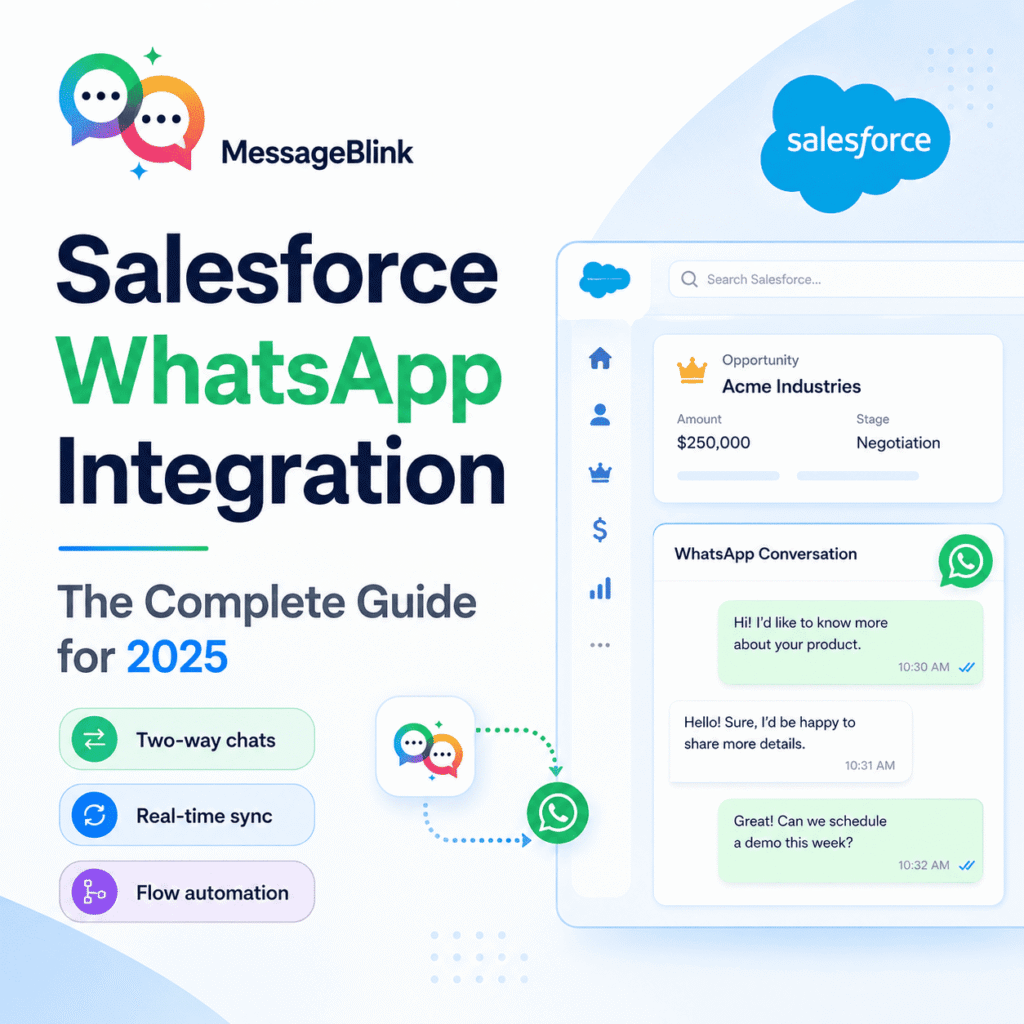
It links your CRM with the WhatsApp business platform (official API from Meta) so your team can send and receive WhatsApp messages from Salesforce Records: Contacts, Leads, Opportunities, Cases and custom objects.
Nice work:
Conversations are recorded, no one has to type them in to the correct record
No tab switching. Reps message from the record itself
Flows and other automations can send WhatsApp messages from CRM data
Whatsapp live activity reports and dashboards
That’s different than a stand-alone WhatsApp tool that you then plug into Salesforce after the fact.” Mostly the pain is in the space in between the two.
Salesforce WhatsApp usage among teams
Sales: Follow up after a demo, send a proposal or nudge a stalled deal from an opportunity, in the channel the prospect really answers.
Support: Generate cases from Work WhatsApp questions. Assign, time and keep the full history all in one place.
Marketing Send welcome messages, re-engagement sequences, or offers to segments built off real CRM fields.
A third party platform saves conversations on its own servers and syncs them to Salesforce. That could mean delays, duplicate records when contacts don’t match up cleanly, and two vendors to call when something breaks. It can also mean more scrutiny in healthcare, finance or education where data governance is a real concern.
One quick honest note: Salesforce also has its own WhatsApp channel through its service and engagement products — a match for teams already using those. If you mostly want to message from records but automate from Flow, the lighter option is AppExchange apps like MessageBlink.
Salesforce WhatsApp, MessageBlink
MessageBlink is an AppExchange managed package that enables SMS and WhatsApp in your org. Salesforce stores templates, threads and settings so there is no separate inbox to log into. And you have:
Send from any record. Contact, Lead, Opportunity, Case or Custom Object. Just so you know, the whole thread logs itself.
Flow automation. Add a WhatsApp step to a Flow and have it triggered when a case is opened, a lead stage changes, or a payment is due.
Template management. Manage your approved WhatsApp templates in Salesforce and map field values in them for personal messages.
Two-way chat. Customers respond on WhatsApp and the conversation continues on the record, in the view of the right person.
Reporting by Indigenous People. Salesforce standard reports include data on message volume, delivery, replies, and agent activity.