

 ChatGPT
 Perplexity
 Claude
 Google AI
Here’s something that trips up a lot of people who search “Agentforce lead scoring”: Agentforce isn’t a lead scoring model.
That sounds like nitpicking. It isn’t. It changes what you build, what you pay for, and what you can promise your sales team.
So let’s sort out who does what, and then get to the part that most guides skip. Once a lead has a score, something has to happen fast.
Three Different Things People Call “Lead Scoring”
Salesforce shops tend to mix these up, so here they are side by side.
- Predictive Scoring (Agentforce Predictive Intelligence): Machine learning models analyze historical conversions to assign a dynamic 1–99 score. This requires a minimum of 1,000 created leads and 120+ documented conversions within 180 days. Available in Enterprise/Unlimited editions or via premium add-on suites.
- Rules-based scoring you build yourself. A number field on the Lead, plus Flow to add points when someone opens an email, visits a pricing page or fills in a form. It’s less clever than prediction, but you control every rule, and you can explain every score to a skeptical sales manager.
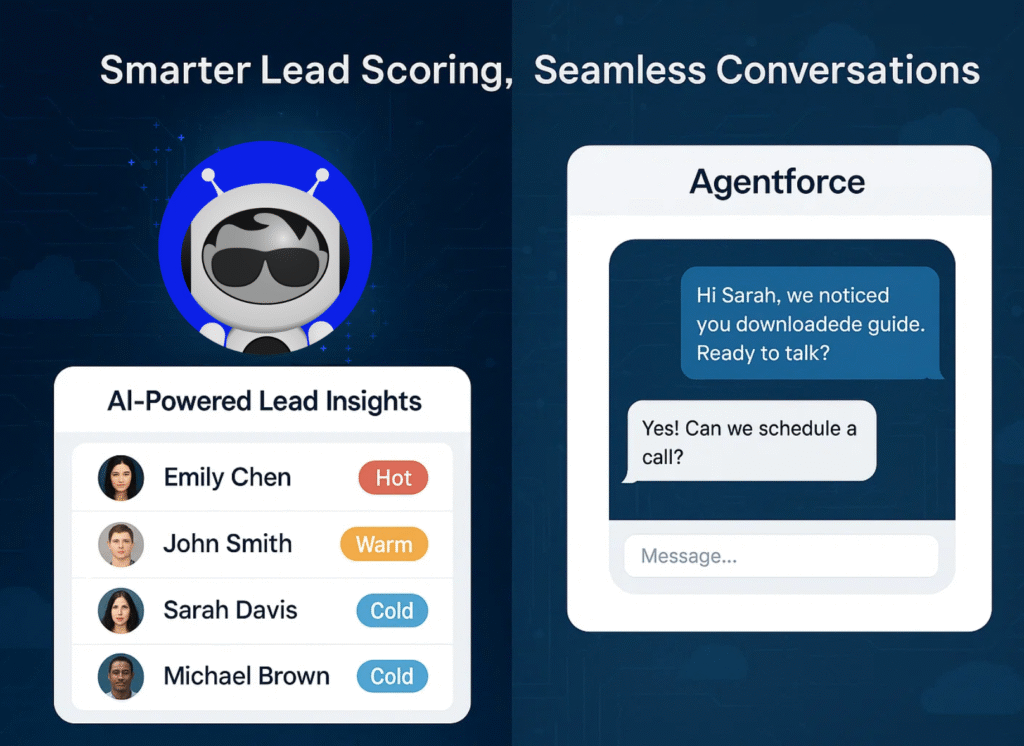
- Autonomous Execution (Agentforce Agents): Generative, natural-language agents that engage leads via chat, SMS, or email to extract BANT criteria based on structured topics, actions, and guardrails. Billed on a consumption-based pricing model per interaction conversation, rather than a flat platform seat.
So if someone says “we do lead scoring with Agentforce,” ask which layer they mean. Usually the honest answer is: a score from one of the first two, plus an agent that acts on it.
Which One Should You Start With?
A blunt guide:
- Fewer than a few hundred leads, or messy conversion data? Start with rules-based scoring. If your org drops below Salesforce’s required data baseline (1,000 leads and 120 conversions), Einstein skips local training altogether. Instead, it natively falls back on a Global Scoring Model built from anonymized vendor benchmarks until your local data matures.
- Plenty of clean history and the right edition? Try Einstein Lead Scoring and compare its output to your reps’ gut feel for a month.
- Want something to hold a first conversation? That’s where Agentforce earns its keep, after your scoring is sane.
My rating: starting with Agentforce before you have a working score is 3/10. Starting with a simple rules-based score, then layering on the rest, is 8/10.
The Part Everyone skips: What Happens after the Score
A score sitting on a record does nothing. The money is in the minutes after it changes.
Think about the usual flow. A lead hits a score of 80. It shows up in a report. Someone sees it tomorrow, maybe. By then the lead has talked to a competitor.
The fix is small. When the score crosses your threshold, send a short, human text from the owner’s number or your sales number, and create a task so a person follows up.
A Simple Score-to-Text Flow
This takes 2 to 5 business days to deploy due to mandatory A2P 10DLC carrier vetting. Automated texts sent without approved carrier campaigns return Error 30007 / 30008 (Message Filtered). Salesforce Flow also requires an AppExchange gateway (like Twilio or Unified Messaging) to route carrier traffic. Build this compliant architecture:
- Trigger. A record-triggered Flow on Lead, firing when the score field crosses your threshold (for example, goes from below 70 to 70 or above). Use the “is changed” condition so it doesn’t fire on every edit.
- Gate on compliance consent: Check for explicit opt-in (SMS_Consent_Opt_In__c = True). A phone number field is legally not consent. Enforce strict double opt-in for EU/GDPR records.
- Gate on recipient local time: Calculate local time using the lead’s area code or state. Under TCPA, out-of-hours automated texts risk up to $1,500 in statutory penalties per message. Use a Scheduled Path to pause execution until the next morning if triggered outside 9 AM–8 PM local time.
- Send the text. Call your SMS app’s action from the Flow. Keep it short and specific, and ask a question a person can answer in one word.
- Create a task. Assign it to the lead owner with a due time, so a human takes over. If the lead is currently sitting unassigned in an inbound Queue, build a logic gate in your Flow to execute your Lead Assignment Rules before generating the task, ensuring an actual human receives the notification.
- Log the result. Record the send and any reply on the lead.
One thing to check before you build: whether your SMS app exposes an action flow can call. Some do and some need a workaround.
What a Good First Text Looks Like
Carrier spam filters actively block buzzwords like “transform your business” or “click here.”
- Defective (Spam Target): “Hi! Our solutions maximize efficiency. Click here to book a demo: link.com”
- Compliant (High Response): “Hi Priya, this is Sam at Acme. I saw you requested our security checklist. Want me to text you the direct PDF link here?”
Don’t Skip the Consent Step
It’s tempting to text every high-scoring lead, since the score says they’re interested. But interest isn’t permission. In the US, texting people without proper consent can mean serious legal exposure, and a form field that says “phone number” is not the same as consent to receive marketing texts. Our TCPA compliance guide covers the basics. This is general information, not legal advice, so have your counsel review your process.
Mistakes That Quietly Wreck Lead-Scoring Projects
- Scoring everything. Fifty rules nobody understands. Start with five.
- Never recalibrating. A score that worked last year drifts as your product and buyers change. Review it every quarter against real closed deals.
- Letting the agent or the flow text without an off switch. Build a way to pause automation fast.
- Treating the score as the decision. It’s a prioritization tool. A rep who knows the account still wins.
- Ignoring replies. Two-way means someone answers. Make sure replies land where a person will see them.
A Quick Way to Test It
Before you go live, run ten fake leads through a sandbox. Check that the Flow fires once, respects the consent gate, holds a late-night send and creates the task. Then try one with consent withdrawn. If it still sends, you’re not ready.
Where Message Blink Fits
Once your Flow scores a lead and checks consent, Message Blink handles the actual text execution right inside Salesforce. It runs outbound triggers asynchronously to prevent database locks, logs two-way replies directly on the Lead record, and blocks messages automatically if a prospect texts STOP.
For more information, You can:-