


 ChatGPT
 Perplexity
 Claude
 Google AI
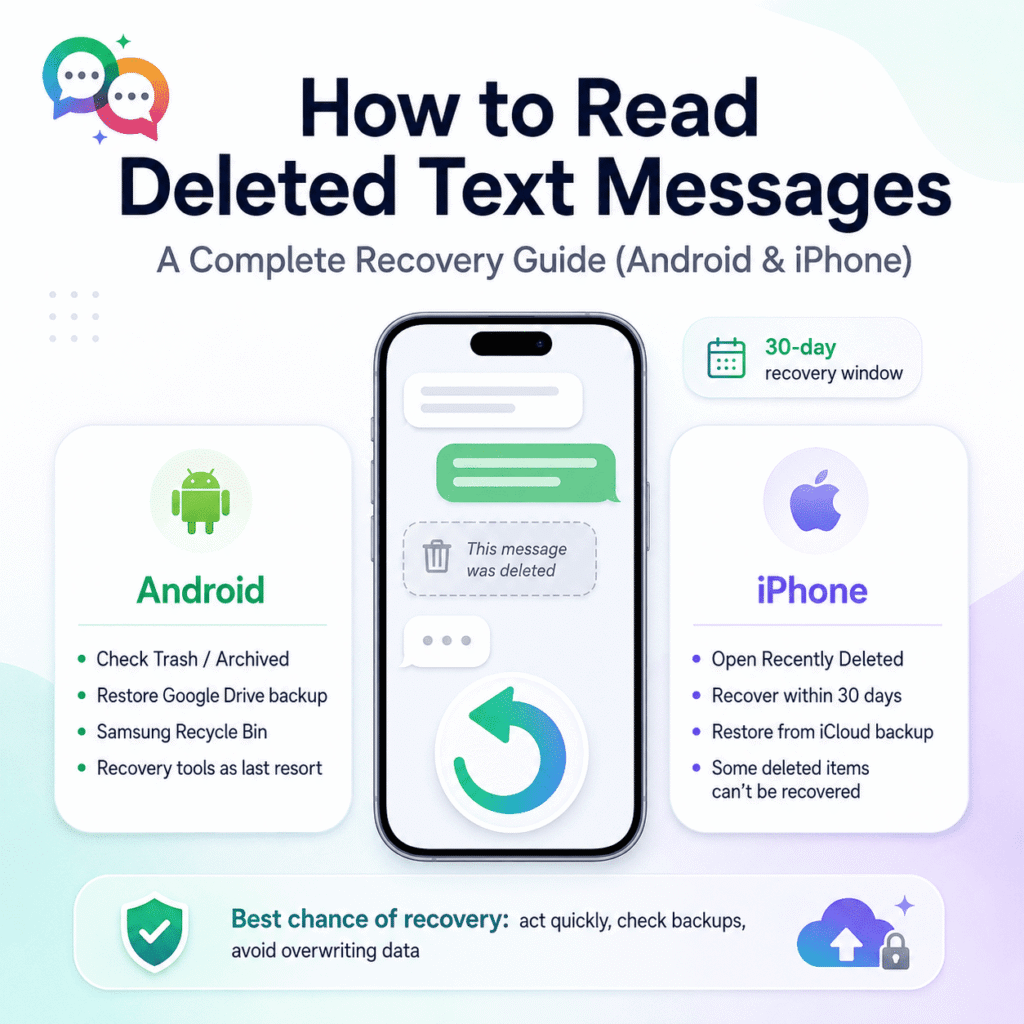
How to Read Deleted Text Messages: A Complete Recovery Guide (Android & iPhone)
Losing a critical text message is like losing a part of a conversation you can’t get back—a verification code, a client address, or a heartfelt message from someone you love. The good news is In most cases, deleted text isn’t gone forever. In many cases, they are simply hidden, archived, or sitting in a recovery window you have not checked yet.
Deleted text messages can be recovered, but how to read deleted text messages on Android and iPhone? This guide explains exactly how to do so and what to do when the built-in recovery options do not work.
Can You Read Deleted Text Messages? Short Answer:
Yes – for a limited time only. Both Android and iOS offer a brief window of time (often 30 days) where deleted texts are moved to a trash or “recently deleted” bin instead of vanishing immediately. After that window closes, the data is much harder to recover and will typically require a backup or specialized data recovery software.
How to Read Deleted Text Messages on Android
1. Check the Trash/Recycle Bin on Google Messages
Google Messages has a new Trash folder built-in for recently deleted texts.
- Open Messages
- Click on the three-dot menu on the top corner
- Choose Trash (or Archived, depending on your version)
- Long press on the conversation you want to retrieve
- Hit the restore button at the top to restore it
2. Restore From Google Drive Backup
If you have Android backups enabled, your texts might already be in the cloud.
- Settings > System > Backup
- Last backup date Confirm
- Restore from backup to retrieve messages as well as all other data on device
3. Samsung’s Dedicated Recovery: Messages Recycle Bin
Samsung Galaxy devices have a dedicated recycle bin within the Messages app.
- Open Messages
- Tap on the 3-dot menu
- Choose Recycle Bin
- Choose the messages you want and click Restore
4. Third-Party Data Recovery Software
Sometimes tools like DroidKit or Dr.Fone can scan your device storage to find data that can be recovered if the message is not in your Trash and you have no backup. Only download recovery software from trusted sites and avoid tools that ask for too many permissions or require payment before showing any recoverable results.
5. Contact Your Carrier (Last Resort)
Some carriers keep SMS metadata for a short time for billing or networking reasons. There are no guarantees, but if the message was important, it is worth a shot.
How to Read Deleted Text Messages on iPhone
When you delete a text message in Apple’s Messages app, it’s actually stored in a Recently Deleted folder for up to 30 days.
- Launch the Messages app.
- Tap the filter/menu icon at the top of the list of conversations.
- Choose Recently Deleted
- Select the conversations you want to recover
- Touch Recover, then touch Recover Messages to confirm.
Important tips for iPhone users:
- If you use Messages in iCloud, when you recover a conversation on one device, it’s restored on all of your signed-in Apple devices.
- You can only recover within your own Apple ecosystem, so you can’t recover messages, attachments, or conversations that were on someone else’s device.
- Once you use Undo Send to delete a message, it’s gone forever and can’t be retrieved.
- Unsaved audio messages cannot be retrieved once they expire.
Why Text Messages Can Get Lost Forever
Knowing why recovery fails helps explain what to do differently next time:
- 30+ days and nothing happened (recovery window closed)
- No backup was active at the time of deletion.
- The message overwrote the storage space took up new data
- The message was sent with Undo Send or it expired by itself (audio messages)
How to Stop This from Happening Again
- Enable automatic backups to the cloud (Google Drive or iCloud)
- Don’t just rely on your phone’s local storage for important conversations
- When it comes to mission-critical messaging—appointment confirmations, order updates, and customer conversations—choose a messaging platform that natively logs and stores conversation history within your CRM, instead of relying on a single device’s local storage or a 30-day window to recover messages.