


 ChatGPT
 Perplexity
 Claude
 Google AI
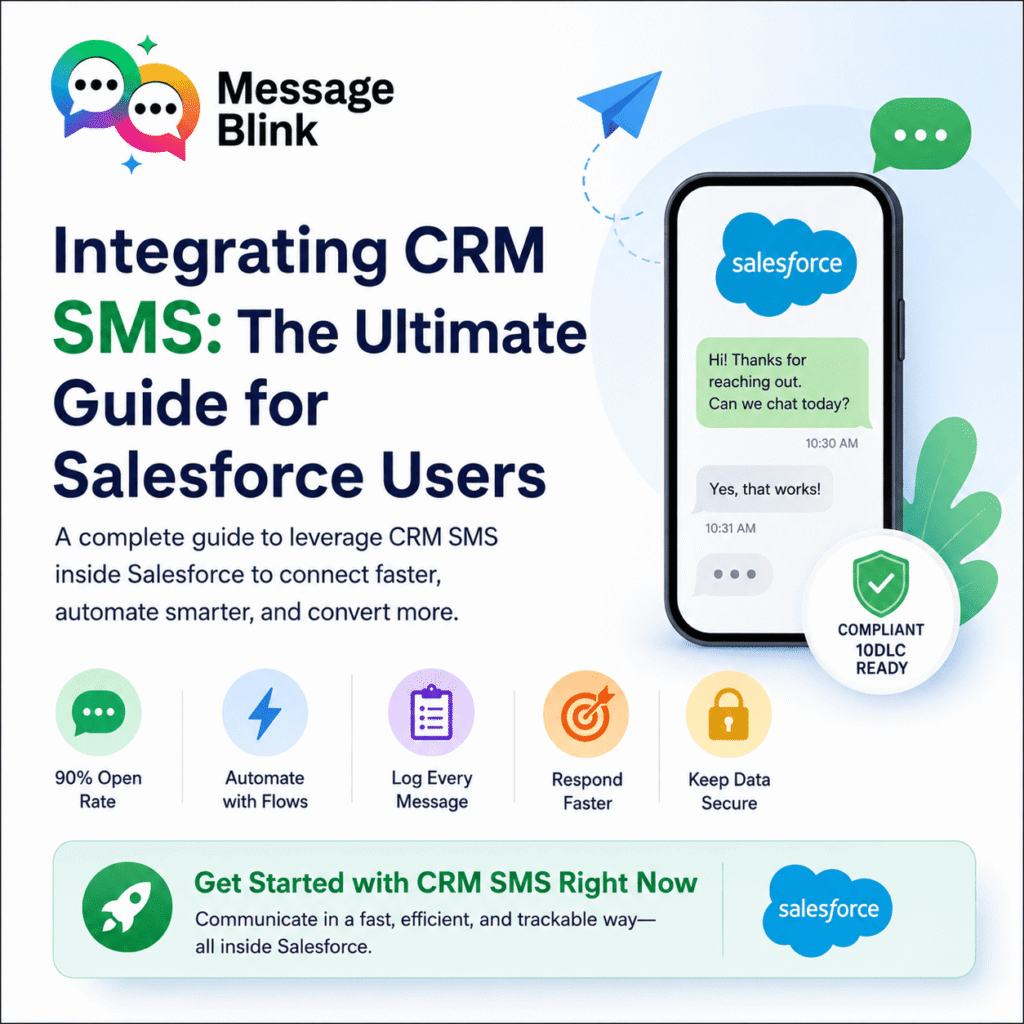
Integrating CRM SMS: The Ultimate Guide for Salesforce Users
Integrating CRM SMS capabilities into your system is an easy and effective method to ensure that your prospects, customers, and internal staff members remain in constant touch with one another. If you operate using Salesforce, incorporating texting into your workflows means that you can reduce app switching time and hours of tedious work while increasing conversion rates at a much faster rate.
In this blog post, we will explain the most important operational advantages that integrating texting into your CRM provides, how to ensure compliance, and what tools to use to make it work flawlessly.
Why CRM SMS is Best for Salesforce Power Users
As the company that depends on Salesforce for all its communications, your organization should not be confined within itself. The integration of crm sms brings a combination of speed, automation ability, and visibility which cannot be matched anywhere else.
While regular emails can easily be overlooked because of their sheer number and being put into one inbox, texts coming directly from the CRM will always guarantee the reception of business updates. Why is it so important? Here are some reasons:
Out-of-this-world open rates: An incredible 90% of SMS messages are opened within the first three minutes, outperforming emails by light years.
Triggers that work: Use Salesforce Flow to trigger automatic SMS notifications in case of changes to the pipeline status – e.g., lead changing states or case resolution.
Audit trails made simple: Log each text message (incoming and outgoing) automatically in your lead, contact, or opportunity record to keep track of what goes on.
Fastened sales process: Reach hot leads in just seconds after they have contacted you when their motivation is still very high.
Accuracy and reliability of data: Keeping all channels of communication inside Salesforce means that there are no risks of misplacing data in mobile devices.
Benefits of CRM SMS Across Your Salesforce Teams
Sales reps have to act quickly if they are to achieve quota. The use of crm sms functionality within Opportunity pipelines will give them the chance to respond to inbound leads in real time, schedule more appointments, and close deals faster without having to leave the Salesforce interface.
Sales Use Cases
Immediate follow-up: Automate text messages to a lead the moment they fill a web form so that you can hook them as soon as possible.
Confirming and reminding about appointments: Prevent no-shows during important demonstrations or discovery sessions by using automation texts.
Nudging on contract and proposals: Text a quick and friendly follow-up to prospects who view your contract but don’t sign it yet.
Salesforce CRM SMS Templates for Sales Teams
New lead introductory text
Hi [First Name], thanks for reaching out to [Company Name]! I received your request for a demo. Do you have 5 minutes to chat today? – [Owner Name]
Discovery call reminder
Hi [First Name], looking forward to our call tomorrow at [Time] [Timezone]. You can access the meeting link here: [Link]. Reply STOP to opt out.
Proposal follow-up
Hi [First Name], just checking in to see if you and the team had any questions about the proposal I sent over yesterday. Let me know if you’d like to sync up!
CRM SMS Solutions for Customer Support & Success Teams
Service agents have to handle many issues each day. Using text messages together with the Salesforce Service Cloud will help service agents to address issues, update on cases in real-time, and ensure higher levels of customer satisfaction.
How to Leverage CRM SMS for Customer Service
Case Updates/Resolution: Immediately send customers a text notification whenever their ticket has either been updated or addressed.
Real-Time Two-Way SMS: Enable customers to send texts to you describing the problems that they face for quick diagnosis.
Customer Satisfaction & Feedback: Automatically send out texts containing the feedback link whenever a Salesforce ticket gets resolved.
CRM SMS Templates for Support & Success Teams
Case opening acknowledgment
Hello [First Name], we have received your request for support. Your case number is #[Case Number]. This will be reviewed by an agent shortly and you will receive further communication through SMS.
Appointment reminder/field technician update
[Company Name] update: Your technician [Tech Name] will be arriving shortly and is expected to arrive at your site around [Time].
Follow-up post-resolution CSAT questionnaire
Hello [First Name], your recent support case #[Case Number] has been successfully resolved. How was your experience with us? Please take our one minute survey here.
CRM SMS Solutions for Marketing Operations & Demand Gen
In terms of marketing departments, nurturing pipeline entails finding your target market where they really are. Integrating text messaging in your Salesforce marketing campaigns will help you nurture leads on a large scale, yet still be very personal.
CRM SMS Use Cases for Marketing Operations
Promotion of webinars & events: Boost your event turnout rate by sending text message notifications containing registration links.
Enhancing drip campaigns: Enhance your essential email marketing campaign with additional text message reminders for non-respondents.
Exclusive promotions: Deliver exclusive text messages to Salesforce views, campaigns, or segments.
CRM SMS Templates for Marketing & Demand Gen
Live webinar announcement
Hello [First Name], you will go live in just 15 minutes! Come and sit down and talk about [Topic] on this link: [Link] from [Company Name].
Downloaded content response
Hello [First Name], thank you for downloading our blueprint. We hope that it was useful to you. You can watch our video explanation of how to use it by clicking here: [Link]
Offer to targeted clients
[Discount%] Off [Company Name] Renewal Upgrade Discount! Use this code to get your discount: [Link]
Case Study: CloudScale Solutions
CloudScale Solutions is a B2B technology consulting firm that heavily uses Salesforce to handle its complicated enterprise sales cycles and onboarding processes.
Prior to implementing a native crm sms integration, CloudScale was struggling with huge bottlenecks within its sales and onboarding processes. Their sales representatives spent hours making phone calls to prospects who would never answer, and essential email checklist notifications for onboarding processes kept getting buried in company spam folders.
Once they integrated a native text messaging service into their CRM, everything became much simpler. Rather than doing everything manually, CloudScale implemented automatic Salesforce Flows that sent instant personalized texts as soon as an onboarding document was missing or the company’s contract with its client needed executive approval.
Within just minutes, the efficiency skyrocketed. Document processing time dropped to below four hours compared to previous five days. Since the customer communication was fully tracked in their Salesforce contacts, there were no hitches whatsoever with transitioning from one account to another.
“Solving the problem of communication through direct text messaging integration made our operations much easier while accelerating our business,” their RevOps director said.
Best Practices for Salesforce CRM SMS Communication
In order to maximize your Return on Investment in your text messaging efforts and maintain your sender’s excellent reputation, remember to consider the following standard operating procedures:
Always adhere to strict opt-in standards: Don’t send any texts to records in Salesforce if they haven’t consented to receiving SMS messages from your company.
Sign up for 10DLC compliance: Register your business for full compliance in regards to 10-digit Long Codes to prevent any blocking or filtering by carriers.
Stay brief: Show your recipient respect by only sending one message point and one action at a time – keep your texts within 160 characters.
Automate your opt-out compliance: Ensure your messaging platform automatically marks “SMS Opt-Out” as the state of the Salesforce record the moment a STOP, QUIT, or UNSUBSCRIBE command is received.
Use dynamic timezone settings: Either by leveraging a formula field in Salesforce or using regional routing, always ensure messages are sent out during regular business hours according to the user’s local timezone.
Select a native Salesforce app: Select an SMS platform that is natively integrated in Salesforce so you can make use of the standard dashboard, permissions, and native automation engines.
Get Started with CRM SMS Right Now
Using crm sms means communicating in a fast, efficient, and trackable way. Whatever your goal – from speeding up the sales process, to growing your support structure, to automating your marketing process – use text messaging within Salesforce to keep everyone connected.
Install MessageBlink from the Salesforce AppExchange and send your first automated reminder in under 30 minutes.