


 ChatGPT
 Perplexity
 Claude
 Google AI
CRM SMS Integration: The Ultimate Guide for Salesforce Teams
Most CRMs were built for emails and phone calls, not texting. So when sales and support teams want to send SMS straight from customer records, they’re often left cobbling together a third-party gateway, an API, and a developer’s afternoon just to send one message. This is the gap that CRM SMS integration is supposed to bridge.
In this guide, we’ll explain what CRM SMS integration really is, why it’s important for revenue and support teams, and how to pick the right approach for Salesforce.
What Is CRM SMS Integration?
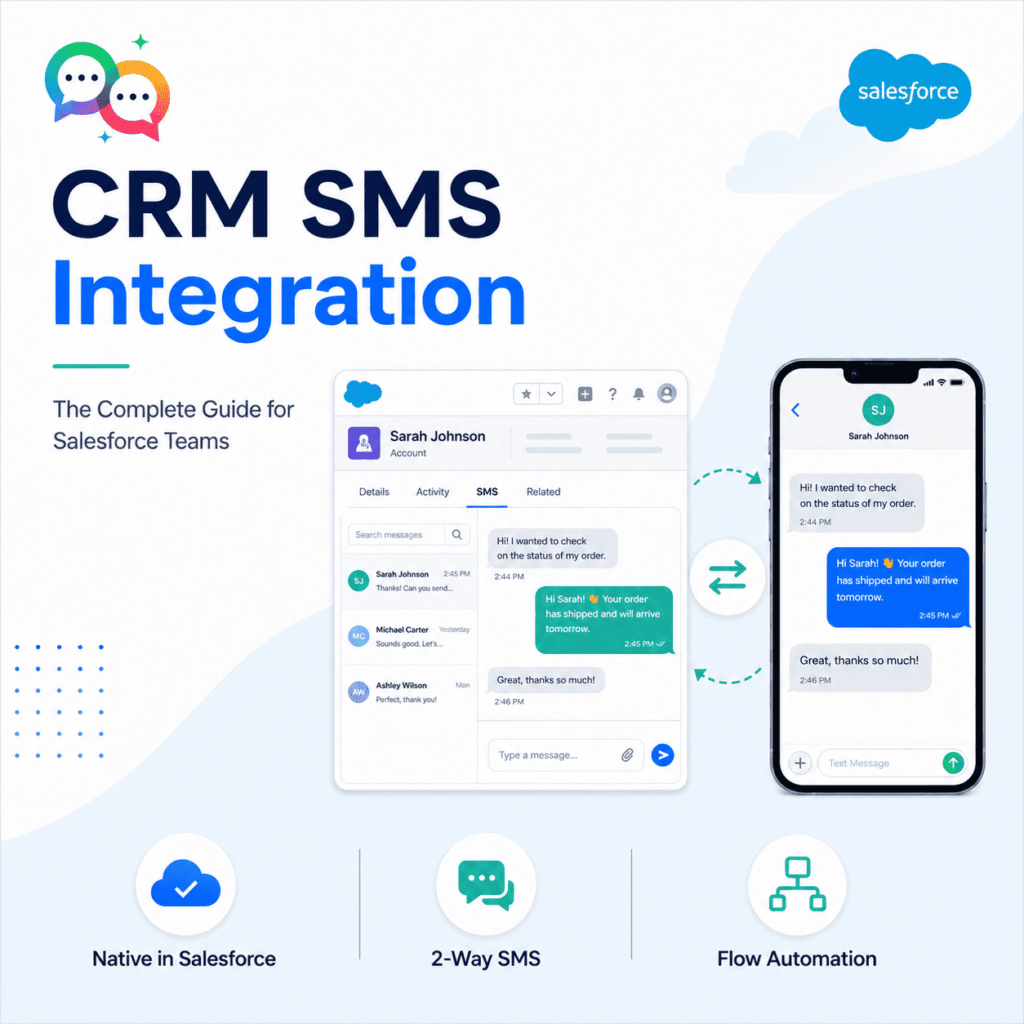
CRM SMS integration is the link between your customer relationship management system and a texting channel. It enables your team to send, receive, and track SMS messages all from within the CRM. Messages are integrated with deals, cases, and leads—fully logged and searchable, instead of switching between a separate texting app and your contact records.
There are generally two ways this is built:
1. API-based integration – An SMS gateway is integrated with your CRM via a middleware layer. This often means custom development, ongoing maintenance, and data that lives partly outside your CRM’s security model.
2. Native integration—The SMS platform is embedded directly into the CRM (in Salesforce’s case, as an AppExchange-listed managed package), so messages, opt-ins, and automation rules are a first-class Salesforce object from day one.
Why Native Beats Bolted-On for Salesforce Teams
The integration approach you choose to run on Salesforce has real implications for security, reporting, and automation.
| Native Salesforce SMS App | API/Middleware Gateway | |
|---|---|---|
| Data remains in Salesforce org | ✔ | ✗ |
| Compatible with Flow, Process Builder, Apex | ✔ | ✗ (needs custom code) |
| No external server/middleware needed | ✔ | ✗ |
| Setup time | Hours | Days to weeks |
| Configurable by admin, no developer required | ✔ | ✗ |
| History of messages on Lead/Contact/Case record | ✔ | Often needs custom objects |
| Governed by Salesforce security model (sharing rules, profiles) | ✔ | ✗ |
“Native app” means your SMS data is subject to the same field-level security, sharing rules, and audit trail as the rest of your org—which matters a lot for industries like healthcare, financial services, and education.
Things to Consider with a CRM SMS Integration
Before you sign up for a platform, make sure it includes:
- Two-way messaging — Responses should end up on the record, not in a separate inbox.
- Automation triggers — texts sent from Flow based on stage changes, case status, or date fields.
- Compliance tooling – Integrated opt-in/opt-out (double opt-in is the standard for deliverability and TCPA compliance).
- Bulk and 1:1 sending — Campaigns to a list and individual texts from a record.
- Delivery and engagement reporting – native Salesforce reports and dashboards instead of a separate analytics portal.
- WhatsApp support – Many CRM SMS tools are SMS-only, and if your customers are international, WhatsApp is important.
MessageBlink & CRM SMS Integration: How It Works
MessageBlink is 100% native within Salesforce and on the AppExchange—no external server, no middleware, and no separate login. SMS and WhatsApp messaging are both native Salesforce objects, which means you can:
- Trigger texts from Flow or Process Builder on any field change
- Send & receive two-way SMS/WhatsApp on Leads, Contacts & Cases
- Conduct bulk campaigns with built-in double opt-in compliance
- Track delivery & engagement with Salesforce standard reports
Since everything lives inside your org, there is nothing to maintain outside of Salesforce, and your admin team can configure new automations without writing code.
[See how MessageBlink works inside Salesforce—see on AppExchange]
Common CRM SMS Integration Use Cases
- Sales: Demo follow-up, appointment reminders, deal-stage nudges
- Support: Case status updates, confirmation of appointments
- Nonprofits: Donor thank-yous, event reminders, volunteer coordination
- Higher education: Admissions follow-up, enrollment deadline reminder