


 ChatGPT
 Perplexity
 Claude
 Google AI
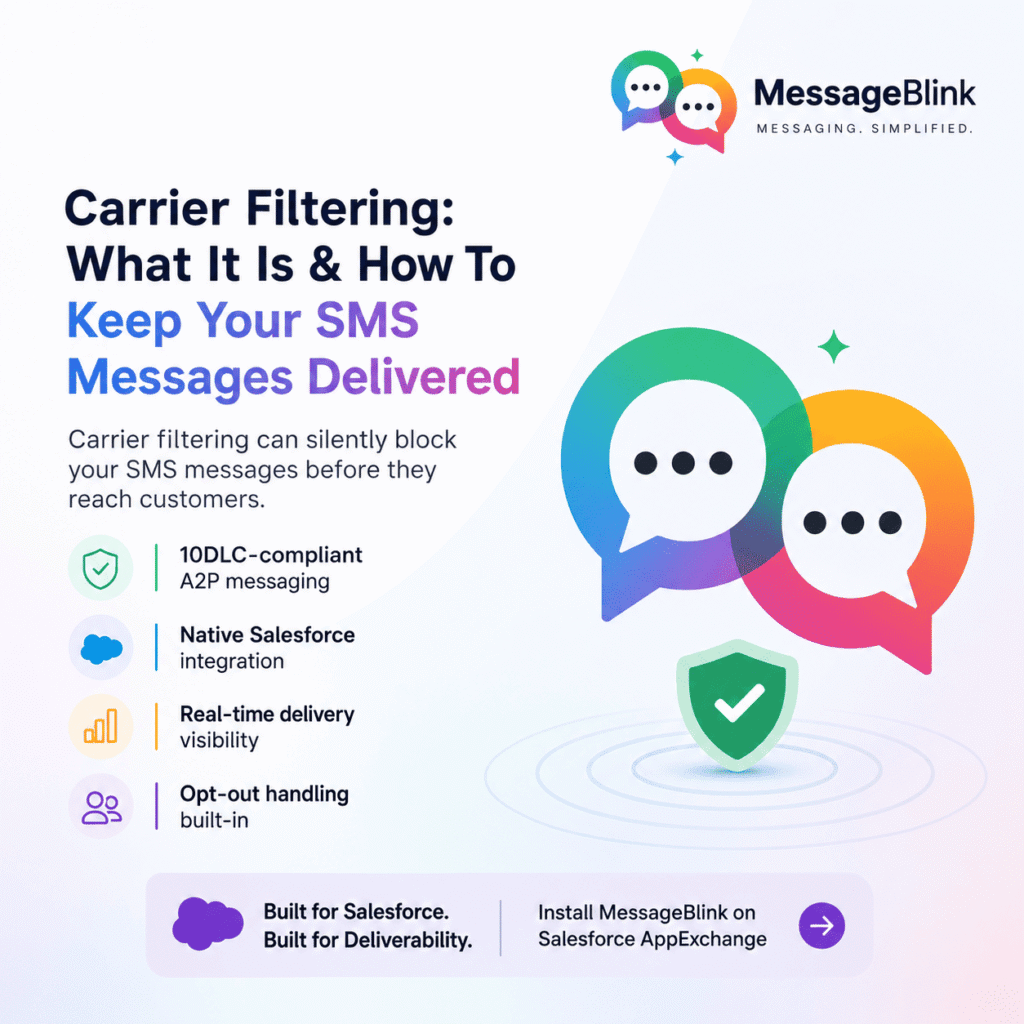
Carrier Filtering: What It Is and How to Keep Your SMS Messages Delivered
If your SMS messages aren’t reaching customers, carrier filtering could be the silent culprit. For businesses sending texts at scale — especially inside Salesforce — understanding carrier filtering is non-negotiable.
What Is Carrier Filtering?
Carrier filtering is the process where mobile network operators (AT&T, Verizon, T-Mobile, etc.) automatically screen and block SMS messages before they reach the recipient.
Carriers filter messages based on:
- Message content — spam-like language, suspicious links, or misleading offers
- Sender identity — whether the sender is verified and registered
- Sender reputation — history of complaints or high opt-out rates
- Compliance status — whether the brand and campaign are properly registered (e.g., 10DLC for A2P SMS in the US)
- Message volume patterns — sudden spikes that mimic spam behavior
If your message triggers any of these, it gets silently blocked — no error, no bounce, just non-delivery.
Why Carrier Filtering Matters for Businesses
Carrier filtering directly impacts your SMS deliverability. Poor deliverability means:
| Impact Area | What Happens |
|---|---|
| Marketing campaigns | Promotional texts never reach prospects |
| Transactional alerts | Order confirmations and OTPs go undelivered |
| Customer experience | Delayed responses, broken workflows |
| Compliance risk | Unregistered traffic can lead to fines |
| Sender reputation | Blocked messages worsen your long-term score |
For Salesforce-driven businesses, this is especially critical — your CRM automations and Flows depend on SMS actually landing.
Does 10DLC Registration Reduce Carrier Filtering?
Yes — significantly. In the US, A2P (Application-to-Person) SMS sent via 10-digit long codes (10DLC) must be registered with The Campaign Registry (TCR). Registration tells carriers:
- Who you are (brand registration)
- Why you’re texting (use case / campaign registration)
- What you’re sending (message samples)
Unregistered 10DLC traffic faces heavy filtering, throughput caps, and outright blocking. Registered senders get better deliverability, higher message throughput, and stronger carrier trust.
Quick rule: If you’re sending business SMS to US numbers, 10DLC registration is not optional — it’s mandatory.
How to Avoid Carrier Filtering
Follow these best practices to keep your messages delivered:
- Register your 10DLC brand and campaigns before sending A2P traffic
- Avoid spam-trigger words like “FREE!!!”, “WINNER”, “CLICK NOW” or excessive capitalization
- Include opt-out language (e.g., “Reply STOP to unsubscribe”) in every campaign
- Send only to opted-in contacts—purchased lists are a fast track to filtering
- Use a consistent sender ID—sudden number changes raise red flags
- Monitor delivery reports and investigate low delivery rates immediately
- Keep message volume gradual — ramp up sending rather than blasting overnight
How MessageBlink Helps You Stay Compliant and Deliverable
MessageBlink is a Salesforce-native SMS and WhatsApp messaging platform built with deliverability in mind.
- Supports 10DLC-compliant A2P messaging for US campaigns
- Native Salesforce integration — send compliant SMS directly from Flows, records, or automations
- Opt-out management built in—STOP handling is automatic
- Real-time delivery visibility — track message status inside Salesforce
- Clean sender practices — designed around carrier trust standards from the ground up
No third-party middleware. No messy integrations. Just compliant, deliverable messaging inside the CRM your team already uses.
Install MessageBlink on the Salesforce AppExchange and send SMS that actually reaches your customers.