


 ChatGPT
 Perplexity
 Claude
 Google AI
11 Proven Business Benefits of VoIP in 2026 — And the Critical Drawbacks No one tells you that
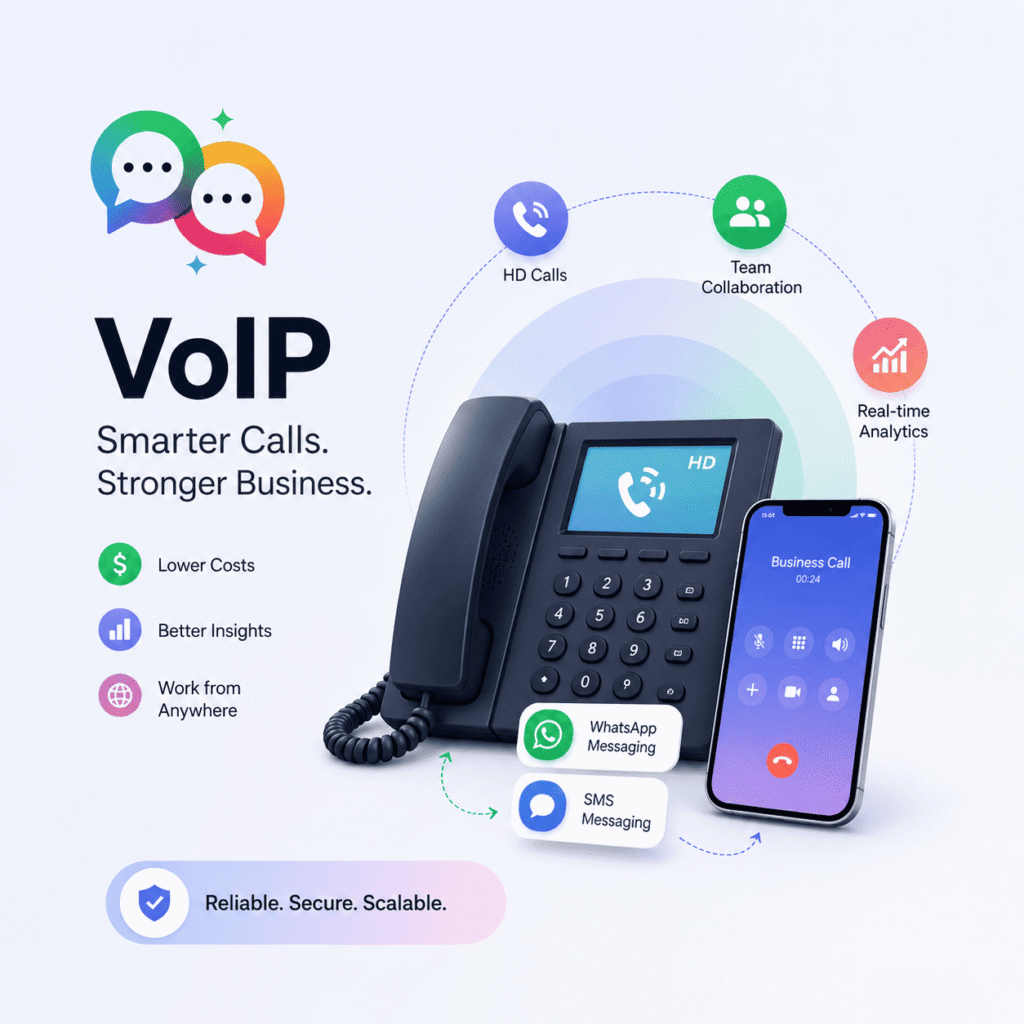
VoIP has revolutionized the way businesses communicate. Over 70% of businesses have already incorporated VoIP into their communications strategy, and this trend is not showing any signs of slowing down. But here’s what most guides don’t tell you—VoIP alone is not a complete business communication strategy.
This post explores 11 real benefits of VoIP backed by data, the limitations that can kill your business silently, and why Salesforce-native teams are pairing VoIP with SMS and WhatsApp messaging to fill the gaps.
What Is VoIP and Why Is It Important for Business?
The thing is, benefits of VoIP (Voice over Internet Protocol) let you use the internet to make voice calls instead of using regular phone lines or mobile networks. VoIP powers calls in apps like Zoom, Skype, and WhatsApp. For businesses, VoIP replaces costly PBX hardware with flexible, cloud-based phone systems that scale on demand. These are just a small part of the benefits of VoIP.
The global VoIP market is projected to be worth $161.79 billion by 2025, thanks to the remote work revolution, cloud adoption, and the need for smarter, more connected communication.
11 Benefits of VoIP for Business
1. Major Cost Savings
The most immediate victory. Small businesses on usage-based plans have reported savings as high as 68%, and generally businesses can save around 30% to 50% compared to legacy landlines. Local and international calls are usually charged at the same price, meaning no expensive roaming charges.
2. Eliminates Expensive PBX Hardware
Traditional on-site PBX systems are costly to install and maintain. VoIP sends everything over broadband so you don’t even need that physical hardware. With SIP trunking you can enhance it without changing your existing office setup.
3. Absolute Location Independence
Your VoIP number stays with you. No matter if your team is in three locations or remote, all employees call clients and colleagues from the same business number on any device.
4. Easy to Scale
Growing teams don’t need to wait for hardware procurement. You can add new users and locations by just provisioning extensions online so businesses can scale instantly without complex installations.
5. HD Call Quality
VoIP uses advanced codecs and is available pretty much anywhere you can get a high-speed internet connection, with call clarity that rivals or exceeds traditional phone lines — provided you have a good internet connection.
6. Rich Unified Communication Features
Modern benefits of VoIP isn’t just about making calls. Today, VoIP systems provide a complete unified communication solution, combining voice conversations, instant messaging, video conferencing, and file sharing into one.
7. Advanced Analytics and Reporting
Today’s benefits of VoIP platforms come with real-time analytics dashboards that offer businesses vital insights into call performance, which is critical for sales teams and support centers that track response times.
8. CRM and Salesforce Integration
Integrating with CRM and collaboration tools can help sales teams close deals 20% faster. When your phone system is integrated with Salesforce, your team will automatically log, monitor, and associate every call with the correct contact record.
9. Faster Response Times from Teams
Benefits of VoIP users have 30% faster response times in communication, alleviating friction in customer-facing workflows and internal escalations.
10. Remote Work-Ready VoIP For Distributed Teams
Call forwarding and mobile apps allow your workforce to stay connected from anywhere, without sacrificing the professionalism of your customer-facing calls, with auto-attendants.
11. Grows with the Business, without Proportional Cost Increases
Early adopters of VoIP grow revenue twice as fast as their competitors. Unlike traditional telephony, the cost curve does not scale linearly. This provides long-term financial benefits for VoIP.
The Real Drawbacks of VoIP Nobody Discusses
VoIP has real benefits — but so do its blind spots. Here’s what you need to know before you fully commit.
100% Internet Connection Dependent A good internet connection is a must for VoIP. Poor connections may lead to dropped calls and voice distortions. Companies in areas where the internet is unreliable might suffer a lot.
Power Outages Kill Communications Landline phones work during power outages, but VoIP goes down when the power or internet goes down. That means if your Wi-Fi goes out or the power goes out, so do your VoIP services. For many companies, a backup communication channel is not optional — it’s a continuity requirement.
Issues with Latency and Call Quality Congested networks cause jitter, echo, and missed syllables. These are not merely irritating — they lose deals and break trust in sales calls or support interactions.
Security Vulnerabilities If VoIP is not well protected, it can be hacked or attacked by cybercriminals. This can lead to spam or fraud calls, unauthorized eavesdropping, and data theft such as sensitive business information.
Limited Emergency Service Support A major drawback is that in an emergency a VoIP system can deliver services to the wrong address if it is not set up correctly—a real liability risk for large organizations with multiple locations.
VoIP Doesn’t Support SMS or WhatsApp This is a gap most businesses discover too late. One channel is voice calls. But your customers are wanting text more and more. They want confirmations, follow-ups, reminders, and support on SMS and WhatsApp, and VoIP just doesn’t do that.
VoIP vs SMS and WhatsApp: Which is the Winner Communication Channel?
| Feature | VoIP | SMS / WhatsApp (MessageBlink) |
|---|---|---|
| Voice calls in real time | ✅ Yes | ❌ No |
| SMS Messaging | ❌ No | ✅ Yes |
| WhatsApp Messaging | ❌ No | ✅ Yes |
| Works offline | ❌ No | ✅ SMS works |
| Works during power outage | ❌ No | ✅ SMS does |
| Salesforce-native | Relies on provider | ✅ Native AppExchange |
| Open rate | ~10–15% (calls accepted) | ✅ ~98% open rate SMS |
| Best for | Live conversations | Automated + async messaging |
The bottom line is that VoIP and SMS/WhatsApp are not competitors, but rather complements to each other. Voice for live talk. Messaging for the whole lot.
Why Salesforce Teams Bundle VoIP with MessageBlink
Your inbound and outbound calls are routed over VoIP. But the moment a lead misses a call, the conversation has to continue — and that’s where SMS and WhatsApp come in.
MessageBlink is a Salesforce-native SMS & WhatsApp messaging platform built for your CRM workflow. No bridges from third parties. No manual syncing of data. Every message sent and received automatically logs to the right contact, lead, or opportunity in Salesforce.
Here’s how Salesforce teams fill in the gaps. VoIP leaves behind with MessageBlink:
- Call missed? Trigger automatic SMS follow-up from Salesforce Flow
- Prospect not responding? Switch to WhatsApp and get 3–5x higher response rate
- Power cut in the office? Still works with SMS—no internet required on receiver end
- Follow-up after the call? Send a customized WhatsApp message with next steps immediately after the call ends
- Appointment reminders? Automate SMS confirmation and reminder sequences right from Salesforce
VoIP builds the connection. MessageBlink keeps it going.
The Bottom Line: VoIP Is Powerful And Incomplete Alone
The benefits of VoIP are real and well-documented. Cost savings, scalability, mobility, and CRM integration are real wins for modern businesses. But VoIP has limitations — it goes down when power fails, it can’t deliver an SMS, and it won’t get through to a customer who ignores calls but responds immediately on WhatsApp.
The businesses that win at customer communication in 2026 aren’t channel-choosing. They’re using VoIP for voice and SMS and WhatsApp for messaging, all within one Salesforce CRM.
Want to close the messaging gap in your Salesforce workflow? MessageBlink is a 100% Salesforce-native SMS & WhatsApp platform on AppExchange. Automated messages, two-way conversations, every touchpoint recorded right inside Salesforce – no integrations needed.