

 ChatGPT
 Perplexity
 Claude
 Google AI
Picture this. Marketing builds a list view of 9,000 contacts, hits send on a Tuesday afternoon and goes for coffee. By four, a chunk of the texts have failed. Support can’t get replies out either. Nobody can say who actually got the message.
Nobody did anything silly. They just didn’t know the limits existed. And the app they’d picked never mentioned them.
This page is for the admin who gets asked, “Can we just text everybody?” It doesn’t rank a list of apps. It shows you what to check before you trust any bulk SMS app with thousands of contacts, so you can judge the options yourself. For a side-by-side of apps, see our best SMS app for Salesforce guide. For the clicks themselves, use the bulk SMS setup guide.
Two Sets Of Limits Hit Every Bulk Send
Carriers have limits. Salesforce has limits. A good bulk SMS app respects both. A weak one finds out in production.
Carrier Limits: Segments, Not Messages
Carriers count segments. A text over 160 characters splits into pieces, and one emoji or curly apostrophe drops that limit to 70. Every piece counts. So the number that matters is contacts × segments.
If you send from standard US 10-digit numbers (A2P 10DLC), T-Mobile caps how many segments your brand can send to its subscribers each day. The cap depends on the trust score you got at registration. Per Twilio’s documentation, it’s:
Trust score | T-Mobile limit per day |
75–100 | 200,000 |
50–74 | 40,000 |
25–49 | 10,000 |
1–24 | 2,000 |
Low-volume standard brands, with no secondary vetting, get 2,000 a day unless the company is in the Russell 3000.
Go over and the messages come back undelivered. Twilio reports error 30023, and the cap resets at midnight Pacific time.
Here’s the part that surprises people. The cap is shared across everything registered under your EIN. The marketing blast and support’s replies draw from the same bucket.
Only texts to T-Mobile subscribers count, and you can’t easily tell who’s on which carrier. So plan with slack. Take a 3,000-person list and a two-segment message. That’s 6,000 segments. If you sit in the lowest band, even a slice of that list can blow the day’s 2,000.
AT&T and Verizon work differently. Provider documentation describes AT&T limiting speed per campaign and Verizon throttling per number, rather than capping a daily total. What happens to traffic over the limit depends on the carrier and your provider, so ask yours instead of assuming it queues. Short codes and toll-free numbers have their own rules. This is about 10DLC.
Before a big send, find your trust score in your provider’s console. Then split large lists across days or waves.
Salesforce Limits
Salesforce runs on shared servers, so it caps what any one transaction can do. The Apex limits include:
- Up to 10,000 records processed by DML statements per transaction
- A heap of 6 MB for synchronous Apex and 12 MB for asynchronous
- 100 callouts per transaction
Most apps write at least one record per recipient. So a send to 9,000 contacts can run into these limits if the app tries to do it all at once. A well-built app splits the job into chunks and processes them in the background.
One more fact worth knowing. Salesforce says managed packages that pass the AppExchange security review don’t count their custom apps, tabs and objects against your org’s limits. That’s a good reason to check what kind of package an app is.
Finding A Bulk SMS App On The AppExchange
When you’re shopping on the AppExchange for a bulk SMS or mass texting app, the listing tells you a lot. Check:
- Package type. Salesforce says it’s shown on the Details tab. Managed packages are upgraded by the vendor. Unmanaged ones can’t be upgraded.
- Edition compatibility. Salesforce’s own advice is to confirm the app works with your edition before you install.
- Reviews and ratings. Read them for sending problems, not just the star average.
- Last release date and pricing. An app nobody has updated in years is a risk. Pricing should say whether you pay per user, per message or both.
- Support. How do you reach the vendor when a send fails at 3 p.m.?
Salesforce also says a publicly listed app has to pass a security review. That’s a baseline, not a quality guarantee.
What a listing can’t tell you is how the app behaves under load. That’s what the next two sections are for.
Eight Questions To Ask Any Bulk SMS App
Take these to every vendor, including us.
- Can I see the segment count and cost before I send?
- What happens at a carrier limit? Does it pace the send, or does it just fail?
- If a batch dies halfway, what happens to the rest? Can I resume without double-texting anyone?
- How does it handle Salesforce’s per-transaction limits on a big send?
- Are opt-outs checked at send time? Not when the list was built last week.
- Do I get delivery status per recipient, with error codes, on the record?
- Can I schedule by recipient time zone?
- Which number types does it support, and who handles registration? See our SMS code types guide.
If a vendor can’t answer one of these plainly, that’s your answer.
Clean The List First
Do this every time, not once.
- Opt-outs. Filter at send time. People reply STOP between the day you built the list and the day you send.
- Blank numbers and landlines. Run a report on the number field first.
- Duplicates. The same phone on a Lead and a Contact means two texts. Group a report by phone number and look for twos.
- Consent. Only people with marketing consent belong in a promotional send.
- Time. A 9 a.m. Eastern send lands at 6 a.m. on the West Coast. Our compliance guide covers sending windows.
Run A Dry Run
Build a test list of ten: you, colleagues on different carriers (AT&T, Verizon, T-Mobile), and one number you’ll use for a STOP test. Send the real template, in a sandbox first if your app allows it. Then check:
- Merge fields filled correctly.
- The segment count matches what you expected.
- Delivery status shows per person.
- A reply lands on the right record.
- After STOP, the next send skips that number.
Then send the real thing in waves. Ten percent first, and watch the failures before you release the rest. Our setup guide walks through sending from list views, reports and campaigns, step by step.
Where Message Blink Fits
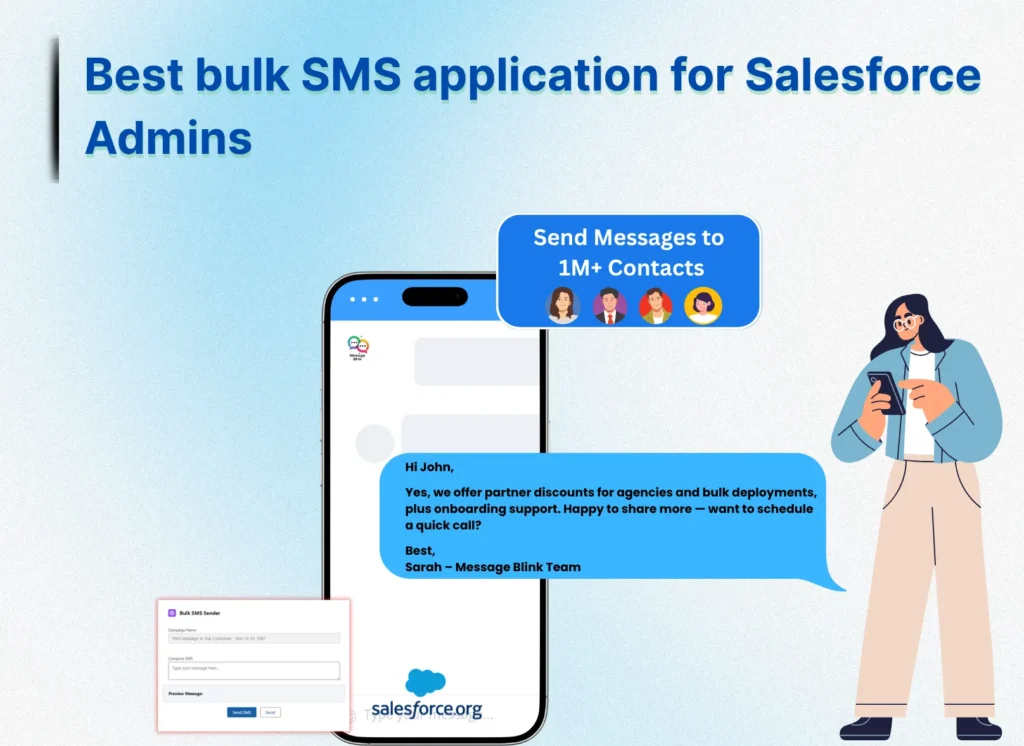
MessageBlink is a Salesforce-native SMS and WhatsApp app from Sastorm Software, listed on the AppExchange. It splits large list views and reports into background Batch Apex jobs to stay safely under Salesforce’s transaction limits, checks opt-out fields dynamically at send time, and logs individual carrier delivery codes directly on each record.
If you want to test it against the eight questions above, then you can :-