


 ChatGPT
 Perplexity
 Claude
 Google AI
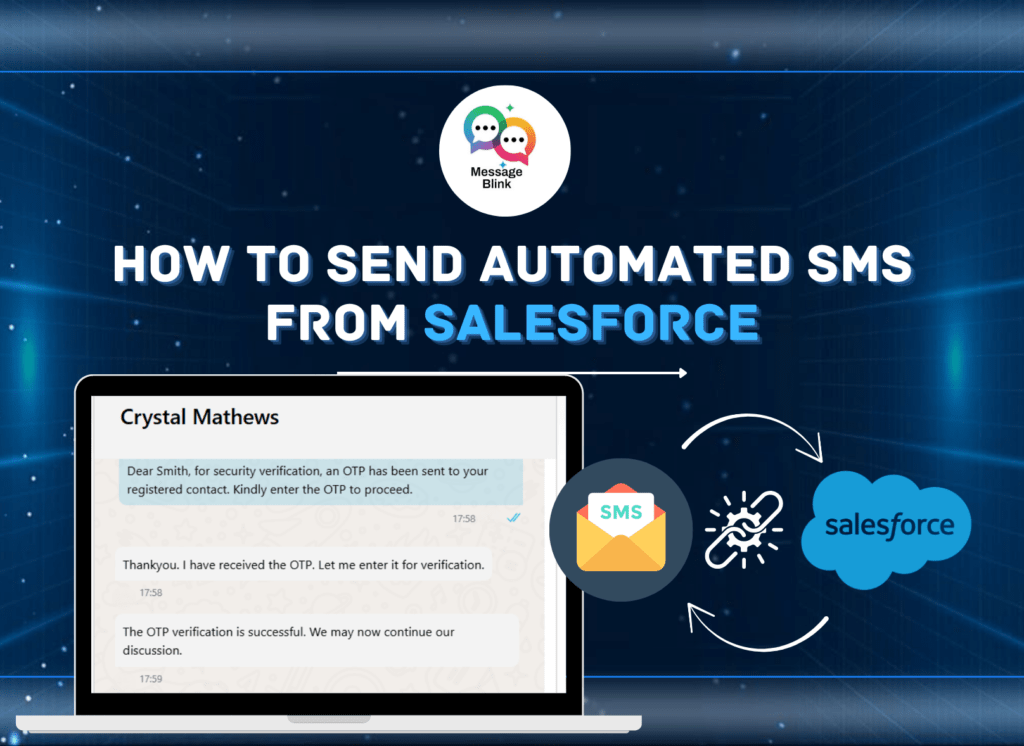
Staying connected with your customers at the right time can make all the difference. One of the most effective ways to do that is by sending timely and personalized SMS messages. If you’re looking how to send SMS from Salesforce, you’re in the right place. This guide walks you through every method for sending SMS quickly, securely, and natively from Salesforce with Message Blink.
Need more detail? Check our full Step-by-Step Salesforce SMS Setup Guide
Can Salesforce send SMS messages?
Yes, Salesforce can send SMS using Message Blink– a 100% native app that enables bulk texting, automation, and real-time tracking directly inside your Salesforce CRM, without the need for third-party tools
Is there any free API to send SMS?
Salesforce doesn’t provide a free built-in SMS API, but native apps like Message Blink offer free trial SMS credits and seamless no-code workflows for both SMS and WhatsApp, built specifically for Salesforce users.
Prerequisites to Send SMS from Salesforce
To send SMS from Salesforce, make sure you have:
- A Salesforce org with admin access
- API access and permissions
- A messaging service provider (e.g., salesforce native apps like Message Blink)
- Contacts or leads with valid mobile numbers
How Do I Send an SMS Text Message From Salesforce?
Follow these steps to send SMS instantly and securely from Salesforce:
Install Message Blink from Salesforce AppExchange
- Login to your Salesforce org.
Configure messaging channels (choose SMS or WhatsApp).
Create your personalized SMS template and set up automation rules in Salesforce Flows or Process Builder.
Select your audience: filter leads, contacts, or campaigns for bulk or personalized messaging.
Send and track your SMS directly in Salesforce, with real-time analytics and compliance reporting.
Real-Life Use Cases
With Message Blink, businesses can use Salesforce texting to:
Send welcome SMS to new leads.
Deliver appointment reminders.
Confirm orders and payments.
Launch event or marketing updates and send bulk text campaigns- all synced with opt-out compliance and analytics baked in.
To maximize results with large sends, see our expert Bulk SMS Campaign Tips for Salesforce users.
Compliance and Salesforce-Native Advantages
Why Message Blink?
Message Blink is 100% Salesforce-native: this means all data, automation, compliance (TCPA/GDPR/ HIPAA), opt-in/out flows, and analytics are processed inside Salesforce- no external API needed. Automated compliance flows ensure every SMS meets regulatory standards, and campaigns scale securely in real time.
Comparing Top Salesforce SMS Apps
| Feature | Message Blink | 360SMS | SMS Magic |
|---|---|---|---|
| Salesforce-Native Integration | Yes, 100% | Partial | Partial |
| Bulk SMS Capability | Yes | Yes | Yes |
| Compliance Tools/TCPA | Advanced | Basic | Medium |
| External API Needed | No | Yes | Yes |
| Free Trial | 14 days/100 SMS | Limited | None |
| Analytics & Tracking | Yes | Yes | Yes |
Choosing the Right Salesforce Texting App
When looking to send SMS from Salesforce, the right app matters. Look for:
- Native Salesforce integration (no third-party connectors)
- Automation compatibility (Flows, Process Builder)
- Support for both SMS and WhatsApp
- Analytics and opt-out handling
Message Blink checks all the boxes and more. It’s a leading Salesforce texting app that simplifies every part of the texting process-from setup to reporting.
Conclusion
Learning how to send SMS from Salesforce doesn’t have to be difficult. With the right tools in place, you can automate every stage of communication- from lead generation to customer support.
If you’re ready to send SMS through Salesforce, streamline communication, and personalize every interaction- Message Blink is built for you.
Ready to start sending automated texts from Salesforce?