


 ChatGPT
 Perplexity
 Claude
 Google AI
What Is A Text Drip? How To Build Automatic Sms Sequences In Sales Force
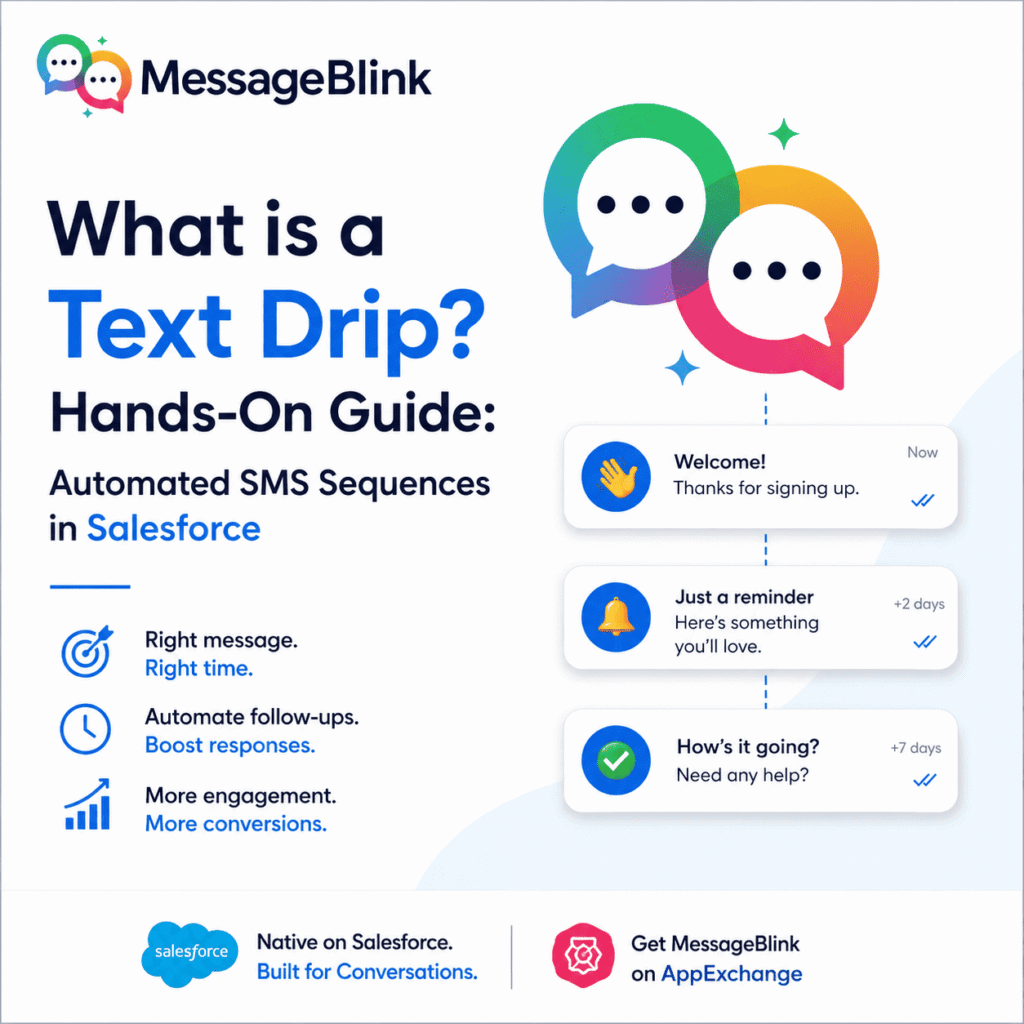
Text drip is a short series of text that goes out automatically over time. For example, a welcome message front of the signup, a helpful reminder a few days later and check in a week after that.
Done Wells one contact into an online conversation without anyone on your team typing each message this guy explains how text drips work where they fit in a sales force sales or marketing process, what to check before you send the first one how to build and measure one.
This article is general information, not legal advice. Have a lawyer review your consent and messaging practices.
What Is A Text Drip?
Text drip, also called an SMS drip campaign out drip texting, is a set of pre-written messages sent to contact in order. They go out on schedule or when something happens like a form fill, a new lead, for a deal moving to a new pipeline stage.
It’s an old idea borrowed from email drip campaigns. The channel is what changes things. SMS open rates are commonly reported above 90%, while email open rates 10 to set around 20- 30%. When a message needs to be seen quickly, text usually gets there first.
Text Drips vs Text Blast vs Trigger Messages
People use these terms loosely so here’s how the differ:
A trigger can start a drip, but the trip is the ongoing series, not the first message. Most mature programs uses all three.
Why Drips Work
Timing is the problem on drip solves. One generic message never lands at the right moment for everyone. A sequence spaces out content so it feels relevant instead of random. The reason it works:
- Less manual follow up. once the sequence is built it runs on its all while the team works somewhere else.
- Trust builds over time. many helpful touch points usually do more than one single pitch.
- It follows the customer’s pace. A behaviour triggered drift response to replies clicks and state changes and not just calendar date.
- People read texts. You are message is not competing with the crowded inbox.
Common Text Drip Use Cases
Lead nurturing. So without checking rep in on each contact, a short sequence keeps new leads warm by sending useful resources offering a walkthrough, or answering a common question.
Welcome and onboarding. The first few messages after a sign up can set the tone for the whole lead. a welcome drip and introduce the next steps share a quick tip, and offer help before the person goes quiet.
Opportunity follow-up. Deals also stall when the follow- up is slow after onboarding. A drip tied to a sales force opportunity stage can remind a prospect about a call, follow up after a proposal, or reopen a cold conversation.
Event reminders. Send a confirmation, pre-event details, and a same day nudge automatically as the date gets closer.
Reactivation. Contacts who go quite really need a Hard cell. A short, low pressure message like “Here’s what’s new or still relevant to you?”can bring them back.
Before You Send A Compliance Checklist
A drip runs on autopilot so one consent mistake repeats on every contact. Before that refer to these points
- Get documented opt-in consent before any marketing drip.Tell people what they’re signing up for and roughly how often they will hear from you.
- Include opt-out instructions (such as “REPLY STOP”) in capital letters and process of opt-outs automatically.
- Keep to quiet hours. Career guidelines commonly limit marketing text to about 8:00 a.m. and 9:00 p.m. in the recipient’s local time.
- Register your sending number. In the US, business texting from standard numbers generally requires 10DLC registration, and toll free numbers need verification. Unregistered traffic can be blocked.
- Keep records of when and how each person agreed.
- Separate marketing from transactional texts. Agreeing to order updates isn’t the same as agreeing to promotions.
A Worked Example: A Four-Message Lead Drip
This is a starting point for new leads. Treat these timings as a baseline to test, not a rule
Step | When | Purpose | Sample message |
1 | Right after form fill | Introduce yourself | “Hi [First Name], this is [Rep] from [Company]. Thanks for your interest in [Product]. Any questions I can answer? Reply STOP to opt out.” |
2 | 1 day later | Share something useful | “Hi [First Name], here’s a quick guide on [Topic] that might help: [Link]. Reply STOP to opt out.” |
3 | 3 days later | Invite a conversation | “Want a quick walkthrough of [Product]? Reply YES and I’ll send times. Reply STOP to opt out.” |
4 | 1 week later | Low-pressure check-in | “Hi [First Name], just checking in. Still interested, or should I close this out? Reply STOP to opt out.” |
Exit rules matter as much as the messages. so stop the drip when a contact:
- Reply (hand the conversation to a human)
- Books a meeting
- Moves to a new stage that makes the next message irrelevant
- Opts out
In sales force, you would build these as conditions in your flow, based on a field or stage change.
How To Build A High Performing Text Drip
- Start from a real trigger. Use an event in your CRM, such as a new lead, a form fil,l or stage change not an arbitrary date.
- Every text needs one purpose and one next step. A standard text segment is 160 characters (about 70 emojis or special characters), and longer messages are split into several segments which can affect cost and delivery.
- Plan your spacing. Too close together feels like spam, and too far apart lets the thread go cold. Map the number of messages and the gaps before writing a copy.
- Segment by behaviour, not just by list. A contact who clicked a link should get a different next message then one who never applied.
- Test one thing at a time. Everything matters Timing, Wording and the call to action and small changes add up across to many contacts.
How To Set Up A Text Drip In Sales Force
These steps depend on your messaging app but the pattern around it is same
- Choose the object and trigger. For example, a new lead, on an opportunity moving to proposal sent.
- Create a record-triggered flow for that object, with entry conditions that match your audience.
- Add your first message using your messaging apps action, and map CRM fields like first name and name as merge fields.
- Add time delays between messages. Depending on your floor type, that means schedule paths of wait steps. Check Sales force’s Flow documentation for what your type supports.
- Add branches and exit conditions for replies, stage changes and opt-outs.
- Test in debug mode with your own number to confirm if the merge fields fill in and messages log to the record.
- Launch small, monetary results then widen the audience.
How To Measure Whether Your Drip Works
Track these for each message and for the sequence as a whole:
Metric | What it tells you |
Reply rate | Whether the message starts conversations |
Opt-out rate | Which step loses people, or whether the cadence is too heavy |
Click-through rate | Whether links and offers are compelling (if you include links) |
Conversion rate | Whether the sequence leads to a booked meeting or advanced deal |
If one message shows a spike in opt-outs rewrite or remove it. If conversation stall at a certain step, you can test a new call to action or a different delay.
Where Drips Fall Short Without Native Salesforce Automation
Most standalone SMS tools can send a drip but they can’t always stay in step with what’s happening in your CRM.
If your tool lives outside Salesforce, each trigger needs a work around it, such as exporting list syncing in through middleware, or updating a contact’s status in two places. The lag is where drips lose their edge and if it’s a day behind the pipeline that would not help because the behaviour is meant to react to that sequence.
MessageBlink is a native SMS and WhatsApp platform built on Salesforce. You can trigger text drips from Salesforce flow off a new lead, a contact field update, and opportunity stage change, or another Salesforce event without middle ware are third-party sync. It works with standard Salesforce objects (Leads, Contacts, Opportunities) through a managed package, so sequences read and write against the same records your sales and marketing teams already use. Replies update the record, and the next message can fire when a stage changes. Keeping everything in one system also reduces the chance of your messaging data drifting out of sync with the CRM.
WhatsApp Text Drips
Not every audience default to SMS so for international contacts, WhatsApp is often the more natural channel. Message going support sequences over brought SMS and WhatsApp from the same platform, so one flow can reach each content on the channel that suits them.
Keep in mind that Whatsapp also requires opt-in, and business-initiated messages generally need pre-approved templates.