


 ChatGPT
 Perplexity
 Claude
 Google AI
What is SMS integration with Salesforce?
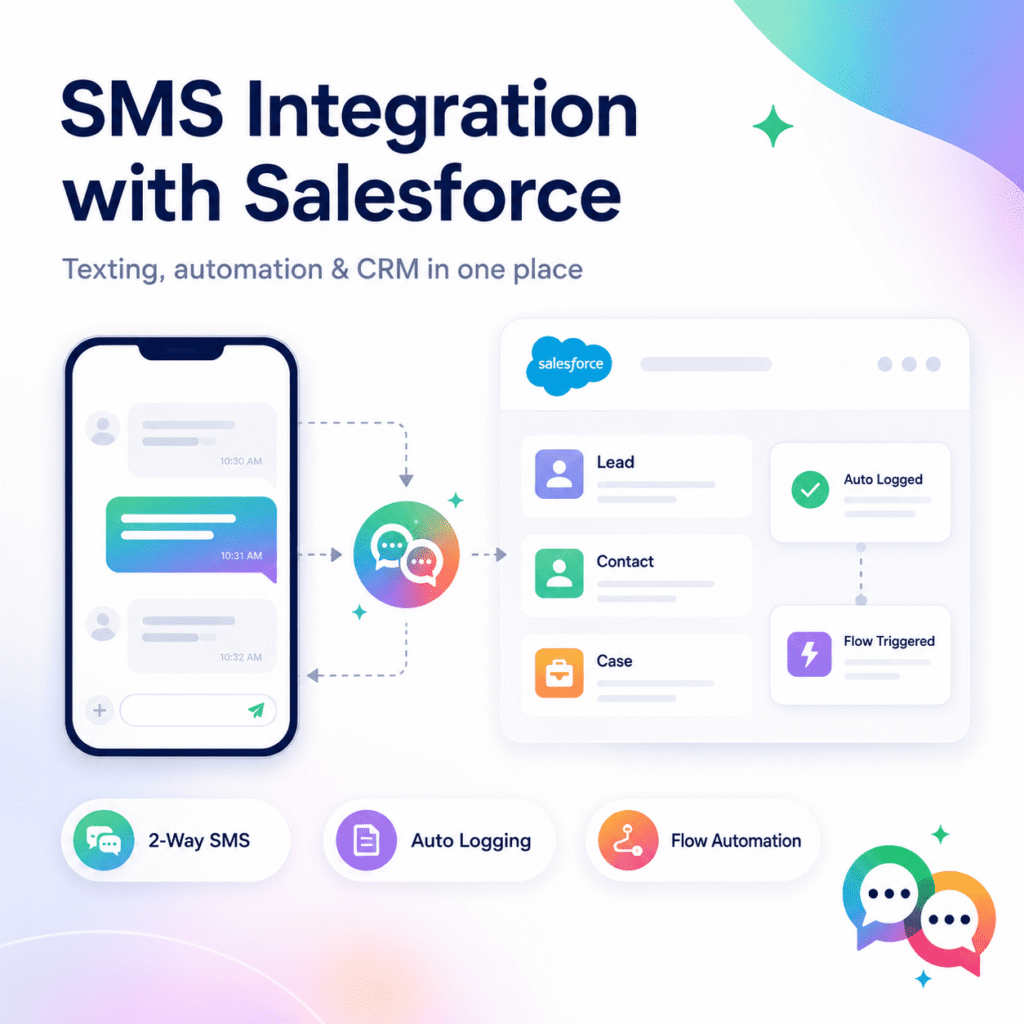
The SMS integration with Salesforce means that your text messaging channel is directly connected to your CRM data. Every message a rep sends or receives is on the same lead, contact, opportunity or case it’s supposed to be on, not a different app, a personal phone or a disconnected dashboard.
It signifies, if done well,
- No more toggling between Salesforce and phone
- Every text is logged immediately to the timeline of the record
- Salesforce Flows Automated text triggers (status change, form fill, move deal stage)
- Shared visibility so any rep can jump into a conversation with full context
When done poorly—usually using a third-party connector like Zapier to connect two unrelated systems—you get delayed notifications, duplicate data and interactions that are “near” Salesforce rather than inside Salesforce.
Why Teams Will Leverage SMS Integration with Salesforce in 2026
Email response times are getting longer and phone calls are not being returned. That’s not an issue with text messages — SMS has an average open rate of roughly 99% and approximately 90% of texts are read within minutes of being delivered. Multiply that speed edge when the channel plugs directly into the system your sales, service and marketing teams already run on.
When SMS connectivity with Salesforce is done right, teams generally see the following results:
Lead Faster. In a competitive vertical like real estate or loans the sales person that texts back in minutes wins the deal. The rep who emails an hour later will not.
Cleaner transitions. The messages are linked to the record so that if a colleague stands in for someone who is on leave they can see exactly what was promised and what is still available, rather than asking the client to repeat themselves.
Follow up automatically. Just in time. Rather than a person having to remember to send a reminder manually, Salesforce processes trigger appointment reminders, shipment updates and renewal nudges.
A single customer history. All SMS data, including emails, calls and case notes, so reporting and forecasting offer you the whole picture, not just half.
Native Integration vs Third Party Connectors – What’s the Real Difference?
Not all “SMS integration with Salesforce” are created equal and this is where most procurement decisions go wrong.
Third-party/automation layer integrations (typically built on tools like Zapier or middleware platforms) link Salesforce to an external messaging provider via a series of triggers and API calls. It works, however there’s a latency on each hop. Automation-tool relays add 15 minutes or more of delay, defeating the purpose of texting in the first place. Moreover, messages are stored in the provider’s infrastructure not your Salesforce data model which limits monitoring, security control and long term scalability.
The native integrations are developed on the Salesforce platform using its own development framework so the SMS is treated as a first class Salesforce object. This means SMS is reportable, automatable and safe by default, no middleware in between. That also makes SMS data accurate for compliance checks, forecasting and cross-team reporting down the road.
That’s the gap MessageBlink was created to bridge. It’s a fully native SMS and WhatsApp platform for Salesforce, not a connector that lives outside your org.
Limited native alternatives for SMS in Salesforce
It’s also worth noting that Salesforce’s native messaging features are thinner than most teams expect. Salesforce’s Digital Engagement add-on caps inbound communications at 25 per user each month. We have an org-wide outbound cap of ~1000 messages, with overage costs kicking in immediately after. Marketing Cloud can do transactional SMS workflows, however it’s another solution with a learning curve and pricing.
That means, for most sales and service teams, a dedicated native SMS app on the AppExchange, not trying to make the texting limits in Salesforce’s core work at scale.
How to Choose a Salesforce SMS Integration: Considerations
Before choosing a platform check these out:
- Real two-way communicating — replies should not be late, but should flow back into Salesforce in real time.
- All the right objects: leads, contacts, opportunities, cases, accounts, and campaigns are logged automatically.
- Flow Builder support – Trigger texts from any Salesforce automation, and trigger Salesforce automation from an inbound text.
- Bulk and individual messaging—bulk SMS from list views with merge-field customizing, not just one-to-one texting.
- Compliance tooling (opt-in/opt-out capture, quiet-hours enforcement and support for A2P 10DLC registration) as application to person 10-digit long code numbers allow businesses to send two-way SMS to clients from an identified local number without risking carrier infringement.
Customers are expecting to be able to choose their channel, whether that’s WhatsApp or multi-channel assistance.
How MessageBlink Fits in
MessageBlink was developed to check all those boxes without leaving the Salesforce environment:
- 100% Native, No Middleware – Your communication data is not retained by any third party servers.
- Two-way SMS & WhatsApp for Leads, Contacts, Cases & Opportunities
- Flow-triggered messaging Send or receive messages as part of any automation you develop in Salesforce.
- Bulk SMS From List Views with Auto Personalization
- Built-in compliance support with opt-in/opt-out tracking and A2P registration requirements.
SMS Integration by Industry
Real Estate: When a buyer calls, be notified immediately about leads and property updates.
Higher Education: application nudges, event nudges and enrollment nudges.
Healthcare: Reminders and confirmations to help prevent no-shows.
Financial Services: Time-critical account and appointment communication – complete audit trails.
Nonprofits: Event reminders, donor outreach, no personnel added.