


 ChatGPT
 Perplexity
 Claude
 Google AI
Salesforce WhatsApp Integration: The Complete Guide 2026
WhatsApp has more than 2 billion active users. Your customers are already in there. The question is if your Salesforce org is connected to it.
Most businesses cobble together a workaround—a third-party tool bolted on the side of their CRM, syncing data with delays, requiring separate logins, and spawning support tickets every time something breaks. There’s a better way.
In this guide, we discuss everything you need to know about Salesforce WhatsApp integration, how it works, what to look for in a solution, and how MessageBlink delivers native WhatsApp messaging directly inside your Salesforce environment.
What is the Salesforce WhatsApp integration?
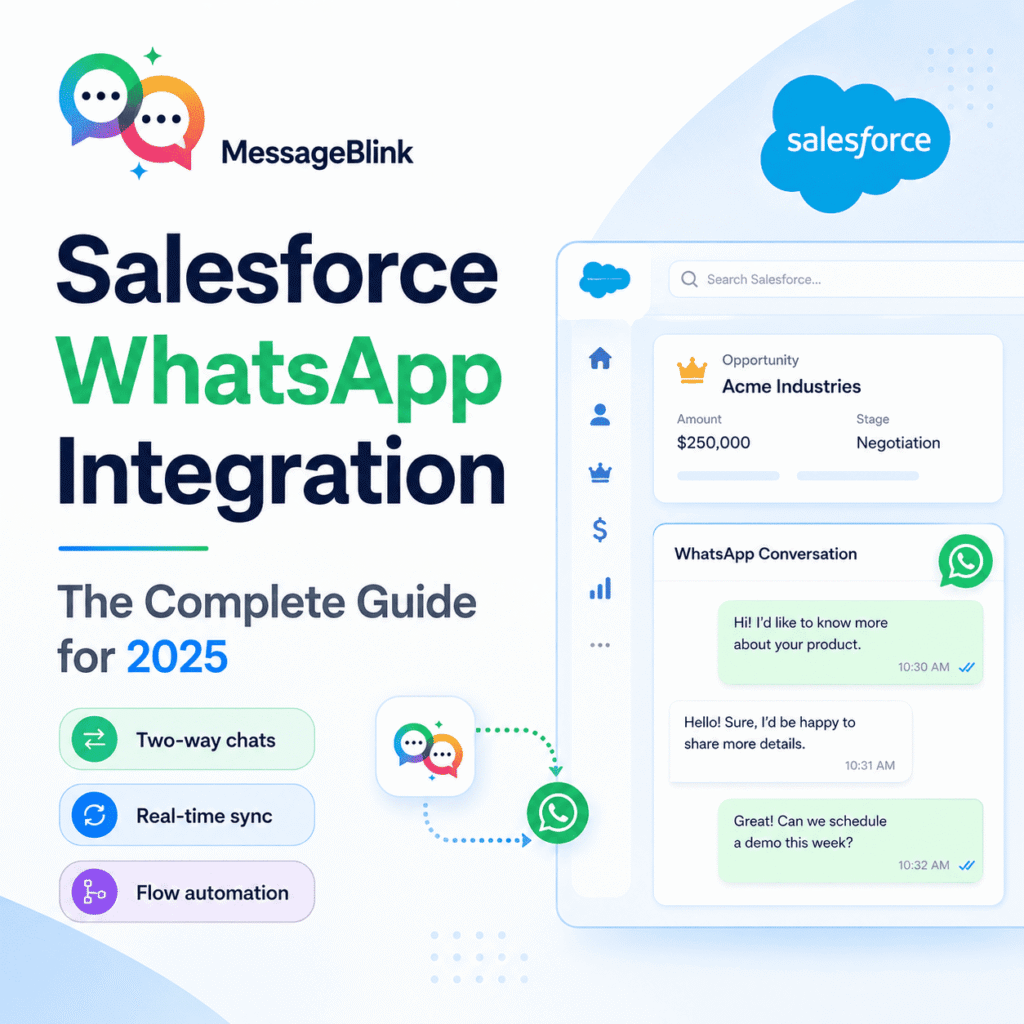
The Salesforce WhatsApp integration connects your Salesforce CRM with the WhatsApp Business API. This integration allows your teams to send and receive WhatsApp messages directly from Salesforce records such as Contacts, Leads, Opportunities, Cases, and custom objects.
This is when built natively:
- WhatsApp conversations are automatically logged to the correct Salesforce record
- Send Messages From Within Salesforce: No More Tab or App Switching
- CRM data can be used to trigger WhatsApp messages through flows, automations, and triggers
- Salesforce reports and dashboards reflect WhatsApp engagement live
This is not the same as a stand-alone WhatsApp tool that also connects to Salesforce via a third-party sync. A native solution is completely contained within your Salesforce org.
Why use WhatsApp for Salesforce users?
WhatsApp is not just a consumer messaging app. Since Meta launched the WhatsApp Business API, businesses have used it to send customer notifications, engage in two-way support conversations, conduct sales outreach, and send automated messages at scale.
Specifically for Salesforce users, WhatsApp integration addresses a long-standing challenge: customer data resides in Salesforce, but conversations take place outside of it. Sales reps text leads on their personal cell phones. Support agents are manually copying details from conversations into cases. Marketing is sending campaigns from a different platform with no visibility in the CRM.
A good Salesforce WhatsApp integration closes that gap.
Main use cases include:
Sales teams: WhatsApp leads right from the lead or opportunity record. Follow up on demos, share proposals, and advance deals through the channels your customers actually reply to.
Customer service: Respond to WhatsApp support questions in Salesforce cases. Assign conversations, track resolution times, and keep the full history in one place.
Marketing & campaigns: Trigger targeted WhatsApp messages (welcome messages, re-engagement sequences, promotional offers) based on real CRM fields and segments using Salesforce data.
Logistics and operations: Automatically send transactional notifications like order confirmations, appointment reminders, delivery updates, and payment receipts using Salesforce Flows.
Native and Third-Party Salesforce WhatsApp Solutions
Before you choose a WhatsApp integration for Salesforce, it helps to understand the difference between native and non-native options.
| Feature | Native (AppExchange) | Third-Party Integration |
|---|---|---|
| Lives within Salesforce | ✔ | ✗ |
| No separate login needed | ✔ | ✗ |
| Uses Salesforce Flows natively | ✔ | ✗ |
| Salesforce Data | ✔ | ✗ |
| Salesforce permission model | ✔ | ✗ |
| Real-time CRM sync | ✔ | ✗ (sometimes delayed) |
| Works with custom objects | ✔ | Limited |
| Salesforce security & compliance | ✔ | ✗ |
Third-party tools connect Salesforce and WhatsApp via an external platform, which means data leaves your org, sync lag, duplicate records, and another vendor to manage. This poses a real risk for highly regulated industries or companies with strict data governance requirements.
Native AppExchange solutions solve these problems because they are built on the Salesforce platform itself.
How MessageBlink Works with WhatsApp for Salesforce
MessageBlink is a 100% Salesforce-native messaging platform and can be downloaded from the AppExchange. It supports both SMS and WhatsApp—all managed within your Salesforce org, with no external platform, no separate inbox, and no data leaving Salesforce.
What makes MessageBlink different?
100% native architecture. MessageBlink is a managed package that is installed from the AppExchange. All messages, conversation threads, templates, and configurations live in Salesforce. There’s nothing outside your org to log into.
Send WhatsApp from any record in Salesforce. MessageBlink allows users to send WhatsApp messages directly from a contact, lead, opportunity, case, or any custom object. The entire conversation thread is automatically logged to the record—no manual entry.
Salesforce Flow™ integration. Add WhatsApp Messaging to your Salesforce Flows and Process Builder automations. Send trigger messages when a case is opened, a lead is in a certain stage, a payment is due, or any field condition in your org.
WhatsApp template handling in Salesforce. Manage your WhatsApp Business API message templates in Salesforce. Combine Salesforce field values into templates for personalized, compliant messaging at scale.
Two-way conversations. MessageBlink is not a one-way notification system. Customers can reply on WhatsApp, and the conversation continues inside Salesforce, visible to the right team member and logged against the right record.
Reporting within Salesforce. All data is in Salesforce, so you can create native reports and dashboards on WhatsApp message volume, delivery rates, response rates, and agent performance—using the same reporting tools your team already uses.
Configure WhatsApp in Salesforce with MessageBlink
How to get WhatsApp live in your Salesforce org using MessageBlink in a few simple steps:
Step 1: Download MessageBlink from the AppExchange.
Find MessageBlink on the Salesforce AppExchange and install the managed package in your org. Both production and sandbox installations are supported.
Step 2: Link your WhatsApp Business account.
Link your Meta-approved WhatsApp Business API account using the MessageBlink setup. All messaging is Meta policy compliant; MessageBlink supports the official WhatsApp Business API.
Step 3: Prepare your WhatsApp templates.
Create your approved WhatsApp message templates in Salesforce. Create dynamic, personalized content by mapping Salesforce fields to template variables.
Step 4: Set permissions.
Use Salesforce standard permission sets to control who can send WhatsApp messages, access conversation history, and manage templates.
Step 5: Write Your First Message.
Go to any Salesforce record, open the MessageBlink panel, choose WhatsApp as your channel, select a template or write a message, and send it. The thread of the conversation is automatically logged to the record.
Step 6: Flow Automation.
Create Salesforce Flows with WhatsApp message steps—based on record changes, time criteria, or any logic you already have in your org.
WhatsApp Compliance In Salesforce
Any Salesforce integration needs to adhere to some rules from Meta that are related to WhatsApp Business API messaging.
Opt-in requirement. Your users must have opted in to receive WhatsApp messages from your business. MessageBlink allows you to manage opt-ins within Salesforce by storing the consent on the Contact or Lead record.
Outbound template messaging. You must use a pre-approved WhatsApp message template to send the first message to a customer (or after a 24-hour window). MessageBlink has native template management in Salesforce.
Conversation 24 hours a day. If a customer messages you, a 24-hour session is opened in which you can send free-form replies. MessageBlink automatically tracks this window so agents know when a session is active.
Data residency. MessageBlink is native to Salesforce, so your WhatsApp conversation data remains in your Salesforce org—under your existing Salesforce data residency and security configuration.
The Perils of External WhatsApp Integrations: Why Native is Important
There are many WhatsApp Business Solution Providers that claim “Salesforce integration”; what they are offering is a data sync between their external platform and your Salesforce org.
This poses practical dangers:
Data outside of your org. The conversation data is stored on the servers of the third party. This creates compliance problems for sectors such as healthcare, finance, and education, where data governance is key.
Sync delays and data gaps. External syncs add latency. A reply logged in the WhatsApp platform may not show up in Salesforce for minutes. This is important in a live sales or support conversation.
Duplicate records and mapping mistakes. Matching contacts and leads between two systems is error-prone. Duplicate records, unmatched conversations, and broken automations are common.
Additional cost and vendor management. You pay for the WhatsApp platform and the Salesforce connector. When things go wrong, you have two support relationships.
No native support for Flow. Salesforce Flow is not natively compatible with external tools. Automations require custom API calls or middleware.
Native AppExchange solutions like MessageBlink are built to avoid all those issues.
Run WhatsApp Within Your Salesforce org.
MessageBlink allows you to run WhatsApp messaging completely inside Salesforce – no external tools, no data leaving your org, no parallel platforms to manage.
If your team is doing sales outreach, customer support, marketing campaigns, or operational notifications, MessageBlink connects WhatsApp to the Salesforce records and workflows you already use to run your business.