

 ChatGPT
 Perplexity
 Claude
 Google AI
Every “best SMS app for Salesforce” article ends up crowning whoever wrote it. Fair warning: this one’s from the team behind Message Blink. Take our opinion with a grain of salt. What we can do is give you a way to judge any app, ours included, in an afternoon.
Four Ways To Text From Salesforce
- Salesforce’s own Messaging. SMS is one of the channels in Service Cloud Messaging, alongside others like WhatsApp. It’s built around conversations: customers message in, agents answer, routing decides who gets what. If your texting is mostly support, then you can start here.
- Marketing Cloud Growth (Data Cloud Messaging): Salesforce’s next-generation marketing messaging engine. For modern installations, it replaces standalone MobileConnect with unified Messaging Credits that embed text messages directly inside Data Cloud cross-channel journeys.
- Dedicated Gateway Packages (Twilio API/Flex): Twilio publishes pre-built components that plug directly into Salesforce core objects and Messaging Settings. Alternatively, you can use Apex HTTP Callouts to connect to their API directly, giving you complete control over your payload arrays at the cost of managing your own retry logic and webhooks.
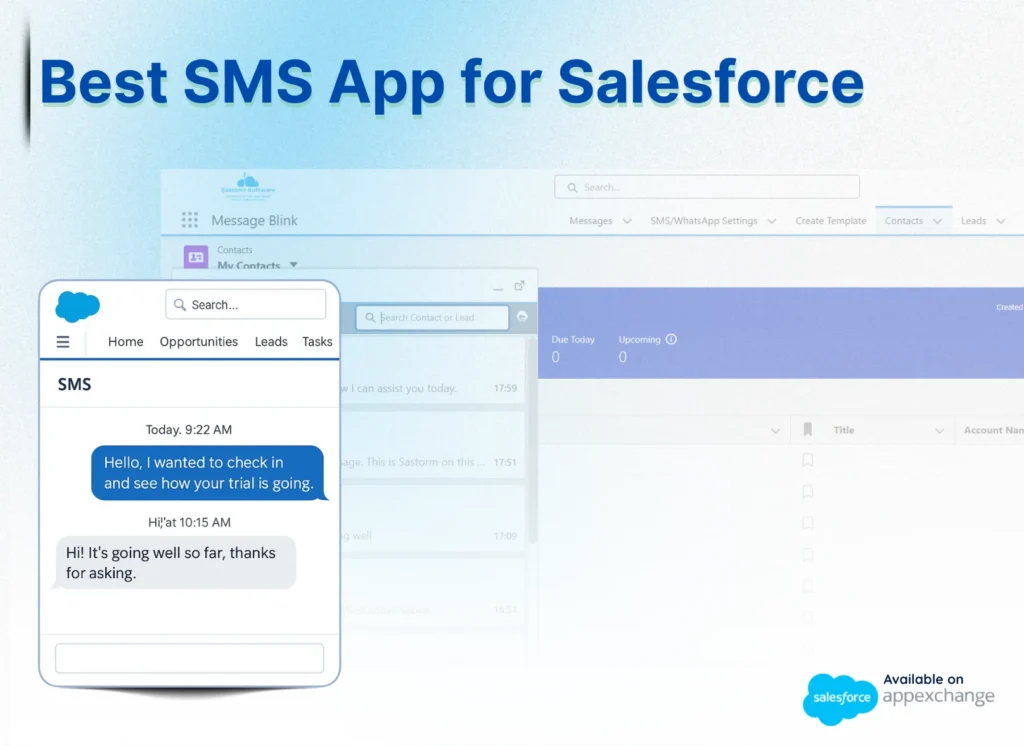
- An AppExchange Texting App: Third-party packages installed via the AppExchange that focus on texting directly from core Lead, Contact, and Case layouts, plus List views and Flow. Message Blink is one of these.
None of these is “the best.” They fit different teams.
Your situation | Where to look first |
Support agents handle conversations in the Service Cloud console | Salesforce Messaging |
Marketing builds journeys in Marketing Cloud | Marketing Cloud Growth (Data Cloud) |
You have developers and want to control everything | Twilio’s API or package |
Sales and ops teams text from records, list views and Flow | An AppExchange app |
Seven Questions To Ask Any Vendor
- Where do the messages and consent records live? In objects in your org, or on the vendor’s servers? “Native” gets used loosely. Ask what’s stored where, and what the app needs to reach outside Salesforce.
- Where does the sending number come from? Long code, toll-free, short code. Who handles carrier registration in the US? Who owns the number if you leave? The application numbers guide explains the options.
- Which objects can send? Contacts and leads, sure. What about Cases, Opportunities and custom objects?
- How does a STOP reply sync across our other tools? When a customer opts out via text, does the app automatically update the global compliance and Do not email fields in Pardot or Marketing Cloud, or does it only block texts inside its own panel?
- How does automation work? Is there a Flow action, or do you need Apex?
- How does bulk sending work? From list views, reports, campaigns? What are the limits?
- How is it billed? Per message, per segment, per user? A single emoji can turn one text into several segments, which can change the bill. And what do trials include?
A One-Afternoon Test
Do this in a sandbox with any app you’re considering:
- Send a text to your own phone from a Contact.
- Reply, and see where the reply lands.
- Text STOP. Check the status field, then try to send again.
- Build a simple record-triggered Flow that sends a template.
- Send to a list view of ten test records.
- Ask support for something real and see how long a human takes.
That’s maybe three hours. It will tell you more than any comparison page, including this one.
Where Message Blink Fits
Message Blink is an AppExchange package built for direct Sales and Service CRM record text workflows. It bypasses custom coding by writing chat history directly to standard record timelines, protects your API tokens via encrypted Named Credentials, and executes outbound messages asynchronously to eliminate system-wide row-locking database errors out of the box.
For setup, the step-by-step SMS guide walks through the first send and for more information, you can: